
Real-time video
intelligence.
We’ve built the world’s fastest and lowest bandwidth VLM engine.
Vision
Build workflows
in plain English.
Describe what should happen. OpenVector builds a workflow you can review and edit.
LanguageAT YOUR SITEAutomate the follow-up,
Automate the follow-up,
from your camera feeds.
OpenVector monitors your camera feeds and updates your business software when something needs attention.
Define what to check and what should happen next, from requesting a restock to notifying a supervisor.


Vision · Language · Action
Describe the task. Turn it into a workflow.
Choose a camera example, define its conditions, and build the workflow. Follow it from the first observation to an action in software.
Robotics demoExamples advance after each clip. Hover or select one to explore.
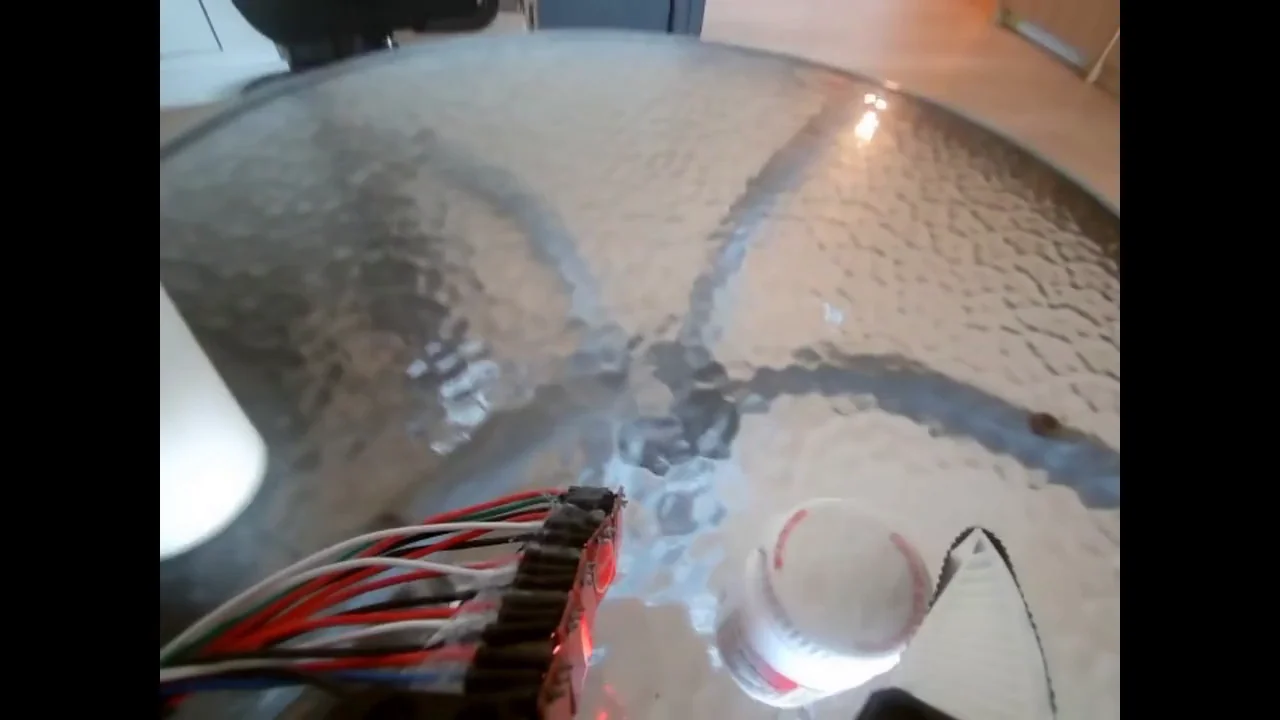
Wrist cameraRecorded clip
Camera feed
Camera example
Bottle released into cup
Wrist camera · Recorded clip
The wrist-camera recording shows the gripper carrying the bottle to the cup and releasing it inside.