Solutions / Retail & grocery

Turn shelf gaps into replenishment tasks.

Make visual shelf checks part of the replenishment process, with an observation the floor team can act on.

The operational request

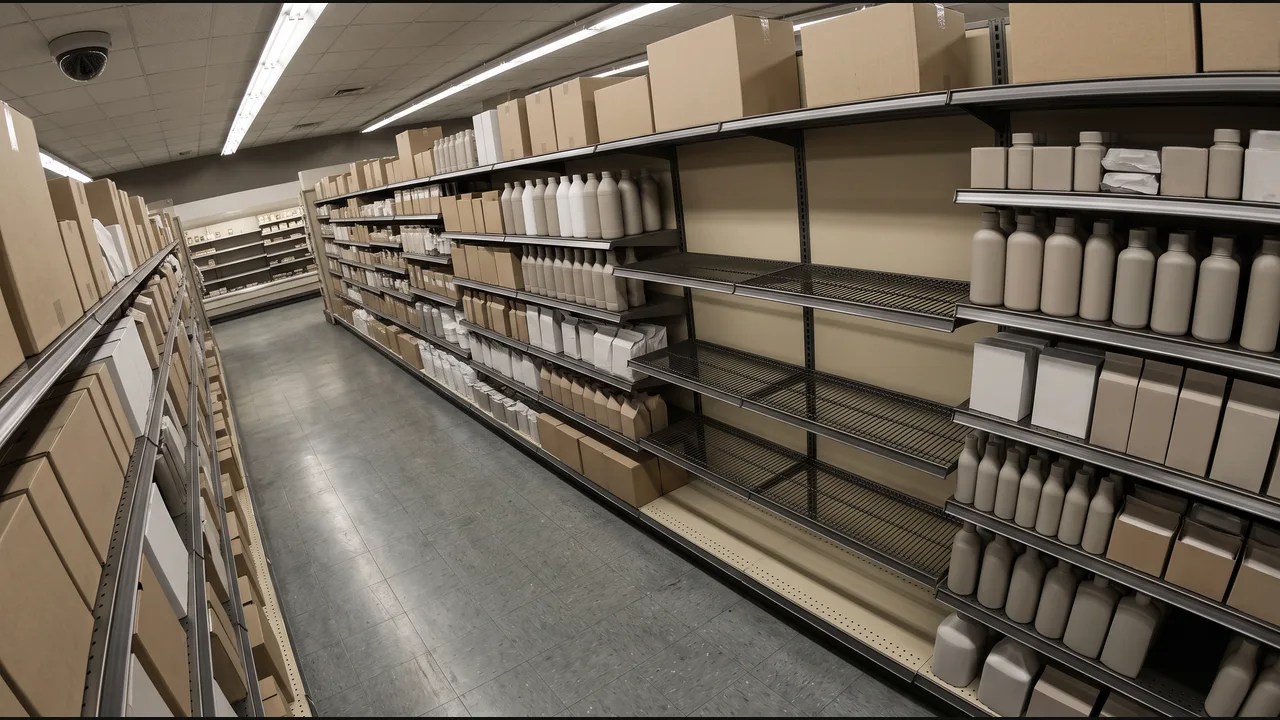
When this shelf section is empty, create a replenishment task for the floor team.

From the camera to the next action.

01

Vision · Camera context

Aisle camera aimed at the selected shelf section.
02

Language · Task and condition

The defined shelf section stays visibly empty through the observation window.

03

Evidence

Shelf location, observation window, and reference image.

04

Action · Software update

Add a replenishment task to the store task list.

Keep the context clear.

Define the context

Define the shelf region rather than watching an entire aisle for every item.

Keep the observation precise

Allow for shoppers briefly obscuring the view.

Connect the follow-up

Attach the shelf location to the replenishment task.

Bring your operation into the workflow.