
What to check
Observe the service condition without needing to identify the customer.
- 01
Choose the tables or waiting area the camera should watch.
- 02
Define a ready table or the queue length and duration that need attention.
- 03
Notify the host or request another team member.
See where it fits.
Restaurants
When a table is cleaned and ready for guests, notify the host and attach the camera evidence.
View the exampleNotify the host that the table is ready, with the camera evidence attached.
Retail & grocery
When this shelf section is empty, create a replenishment task for the floor team.
View the example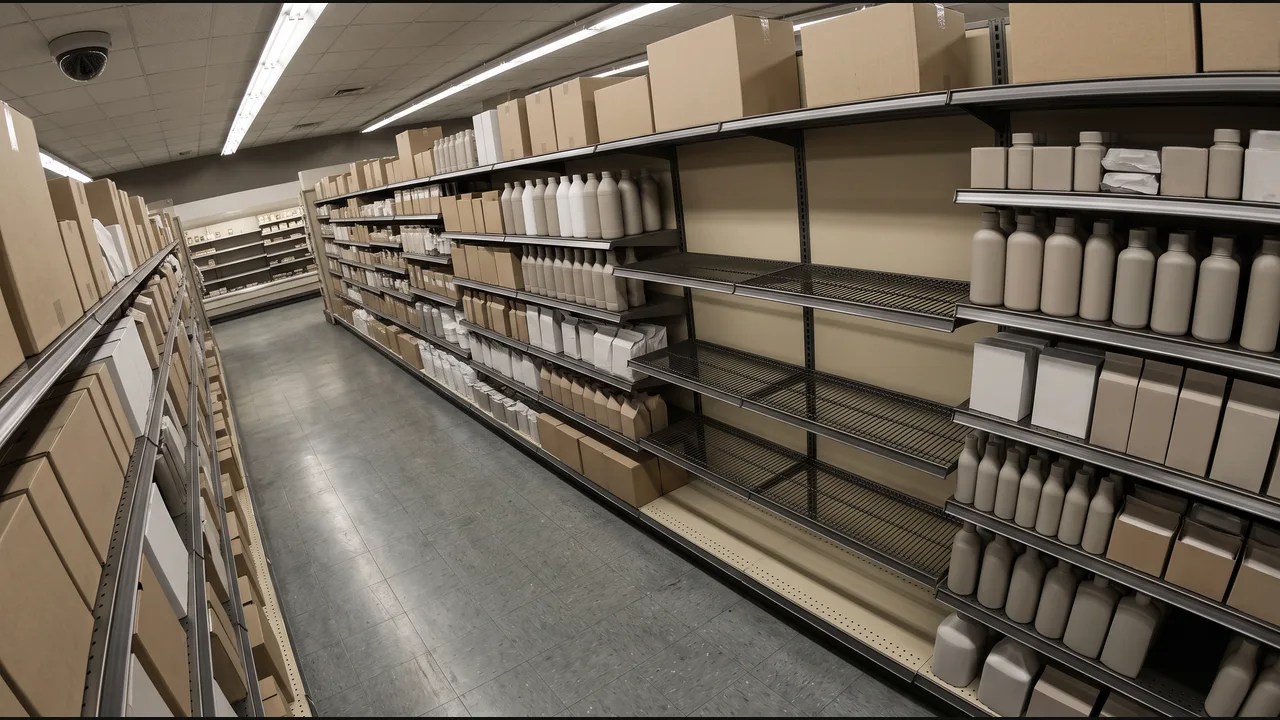
Add a replenishment task to the store task list.
Automotive service
When the serviced vehicle leaves the bay, prepare the completion entry for the job.
View the example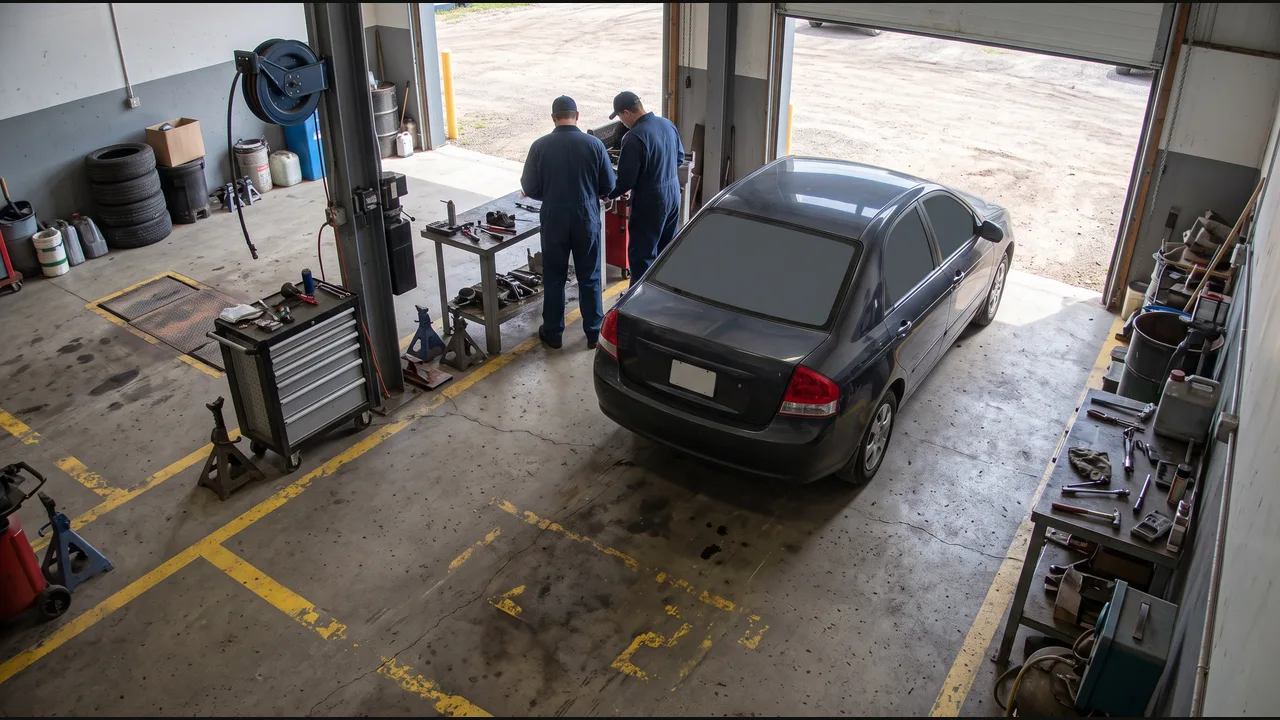
Draft a job-completion entry for the service advisor.
Hospitality
When the reception queue reaches the agreed length, request another team member.
View the example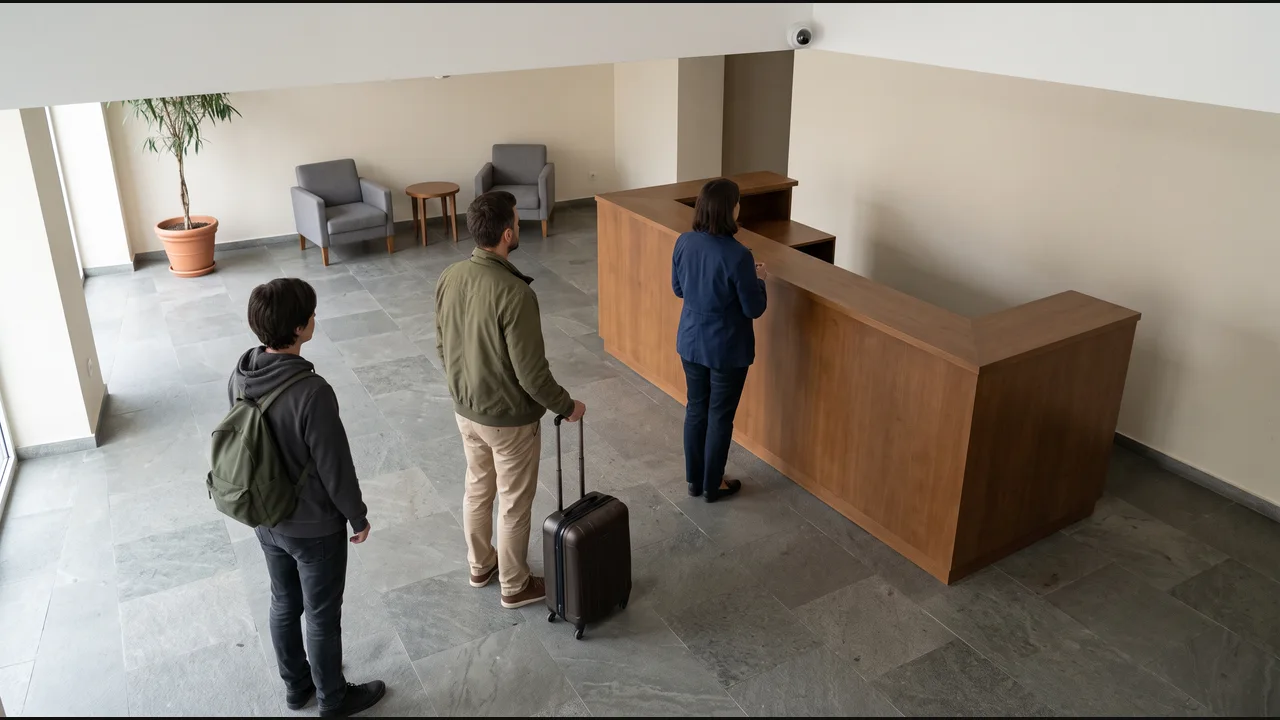
Create a reception-support task in the team system.