01
Locate the consignment
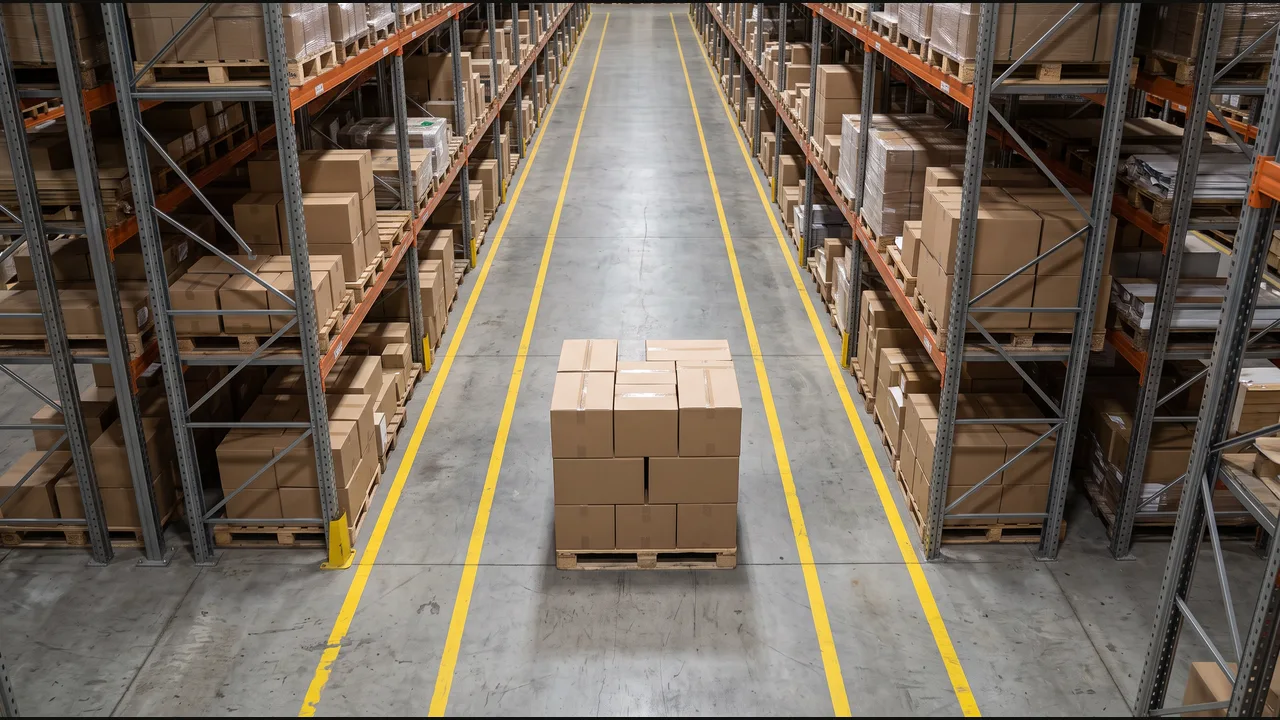
Link the item, box, or consignment to its inventory record. Use the selected camera area to confirm where it is.
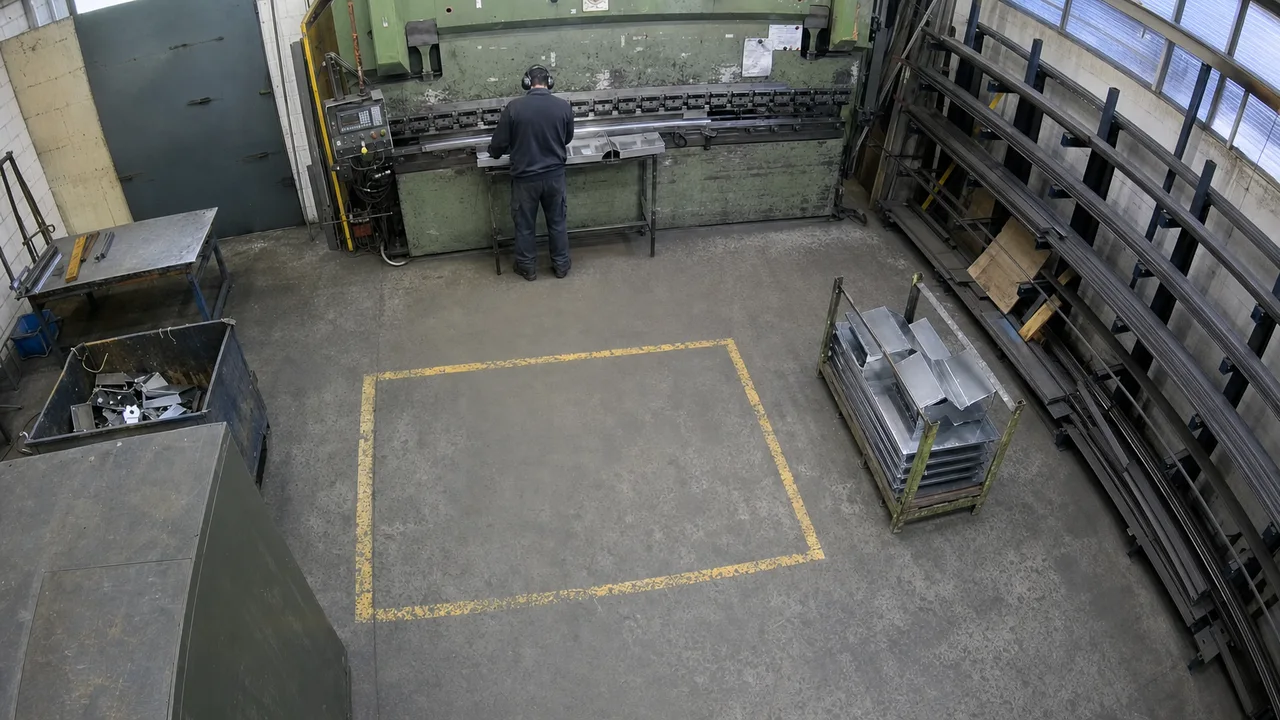
Link the item, box, or consignment to its inventory record. Use the selected camera area to confirm where it is.
Compare the confirmed location with the previous inventory entry. Repeated observations in the same place create no duplicate entry.
Create an inventory entry with the item reference, confirmed location, timestamp, and camera evidence. Send uncertain identity or location for review.
Select the company PDF, its version, and the SOP step to check at Part 4120's staging position, Line 1 · Bay A.
Define the visible condition for following that step. Send unclear or obscured observations for review instead of assuming a violation.
Text the configured operator when the step is not followed, keeping the SOP reference, location, timestamp, and camera evidence with the alert.