Vision · Camera context
Factory view of Part 4120's staging position at Line 1 · Bay A.
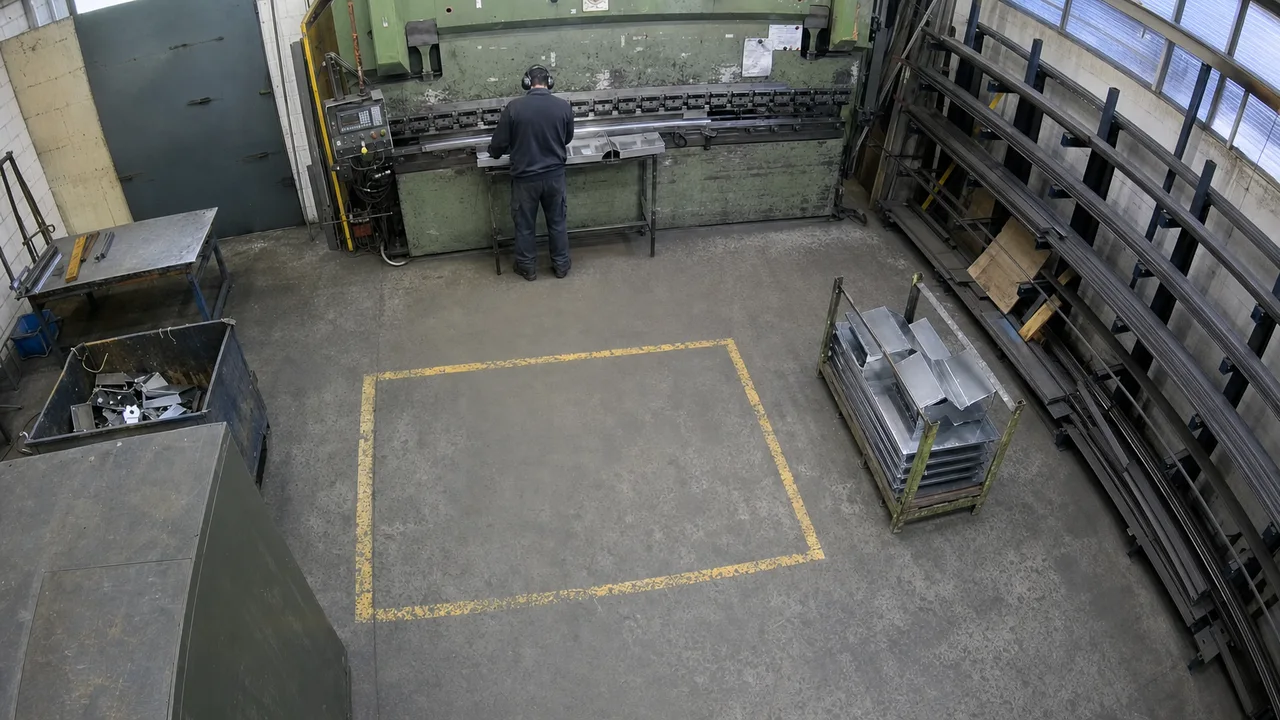
Factory view of Part 4120's staging position at Line 1 · Bay A.
Check whether the visible activity follows the selected SOP step from the company PDF.
SOP document version and step, Part 4120, Line 1 · Bay A, observation time, linked clip, and event reference.
Text the operator when the selected SOP step is not followed.
Select the document version and SOP step relevant to Part 4120's staging position at Line 1 · Bay A. Define the visible behavior that demonstrates the step is being followed and the condition that confirms a deviation.
A correctly followed step sends no alert. An obscured view, unavailable document reference, or step that cannot be verified visually goes to review rather than being treated as a violation. The interactive walkthrough uses an illustrative confirmed deviation, not a live PDF analysis.
When the defined step is not followed, send a text to the configured operator. Keep the document version, step reference, location, observation time, and camera evidence with the event. Retain the messaging receipt; a sent alert does not mean the physical deviation has been corrected.
When Part 4120 is missing from staging for two minutes, create a purchase order for replacement materials and attach the part, staging location, and camera evidence.
Check that workers wear the required gloves and helmets in the configured work area. If required equipment is missing, record the observation and notify the safety supervisor with camera evidence.
Watch one part's staging position beside the line, mark it out of stock when the position runs empty, and ask the materials handler to restock it.
“When Part 4120 is missing from staging for two minutes, mark it out of stock and ask the materials handler to restock it.”
Watch Bay A for the configured part and wait for the empty position to hold.
Mark the part out of stock only after the position stays empty for two minutes.
Link Part 4120, a folded bracket, to its inventory record and staging position at Line 1 · Bay A. An empty bay alone is not the trigger: the workflow needs the configured part, its linked position, and a confirmation duration.
The position must stay empty for the full two-minute confirmation duration. A brief obstruction, a passing worker, or a view that clears before that duration ends does not change the record. The walkthrough offers one to five minutes; its two-minute observation matches thresholds up to two minutes and takes no action at higher settings.
If the position is occluded, leaves camera view, or has no available part reference, preserve the observation for review and change no count. The same applies when the inventory record cannot be matched confidently to the marked position.
The example record says 12 parts are available at Bay A. After the position stays empty for two minutes, mark Part 4120 out of stock at that position and retain the 10:41:20 observation. This does not describe stock elsewhere.
Send the materials handler Part 4120, Line 1 · Bay A, the corrected count, observation time, staging clip, and event EV-MFG-0114. Keep the returned request reference connected to the correction. The walkthrough also offers inventory review instead of a restock request. A sent request records the software action; the position stays empty until the part is physically brought back.