Pair a repeated camera check with the task it should trigger.
- 01
Choose a check your team repeats, such as shelf availability or item location.
- 02
Define when the change is confirmed and when no update is needed.
- 03
Create the task or record in the software your team uses.
See where it fits.
Manufacturing
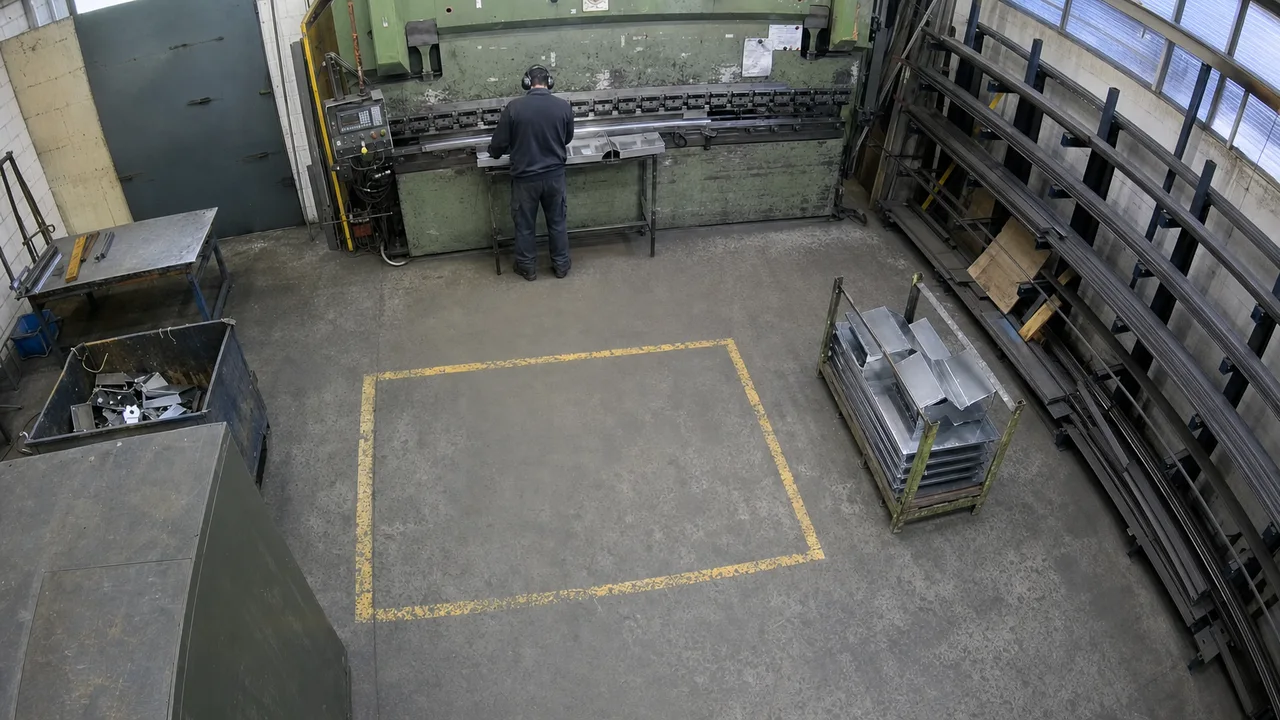
Check the defined SOP step from the company PDF at Part 4120's staging position, Line 1 · Bay A. If the SOP is not followed, alert the operator by sending them a text.
View the exampleText the operator when the selected SOP step is not followed.
Logistics & warehousing
Track the location of items, boxes, and consignments in the inventory management system. Whenever an item changes location, create a new inventory entry with its reference, observed area, timestamp, and camera evidence. Do the same for new deliveries.
View the example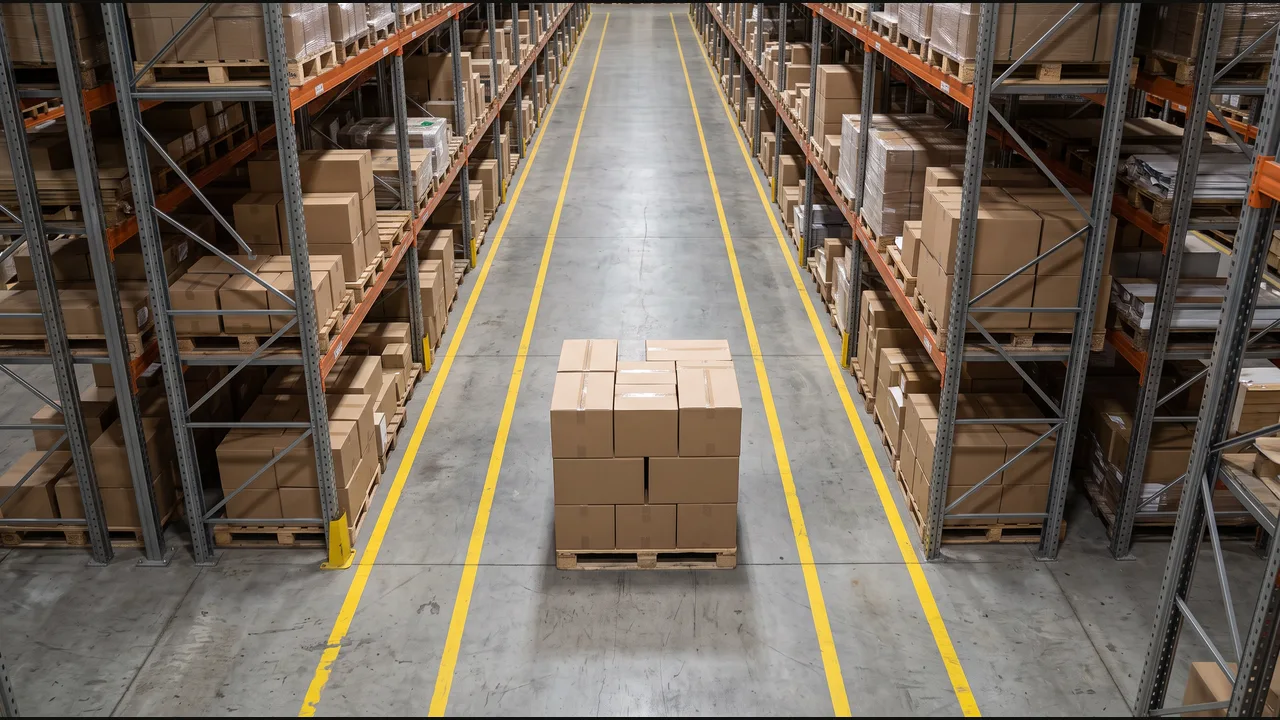
Whenever the item changes location, create a new inventory entry. Do the same for new deliveries.
Restaurants
When a table is cleaned and ready for guests, notify the host and attach the camera evidence.
View the example
Notify the host that the table is ready, with the camera evidence attached.
Retail & grocery
When this shelf section is empty, create a replenishment task for the floor team.
View the example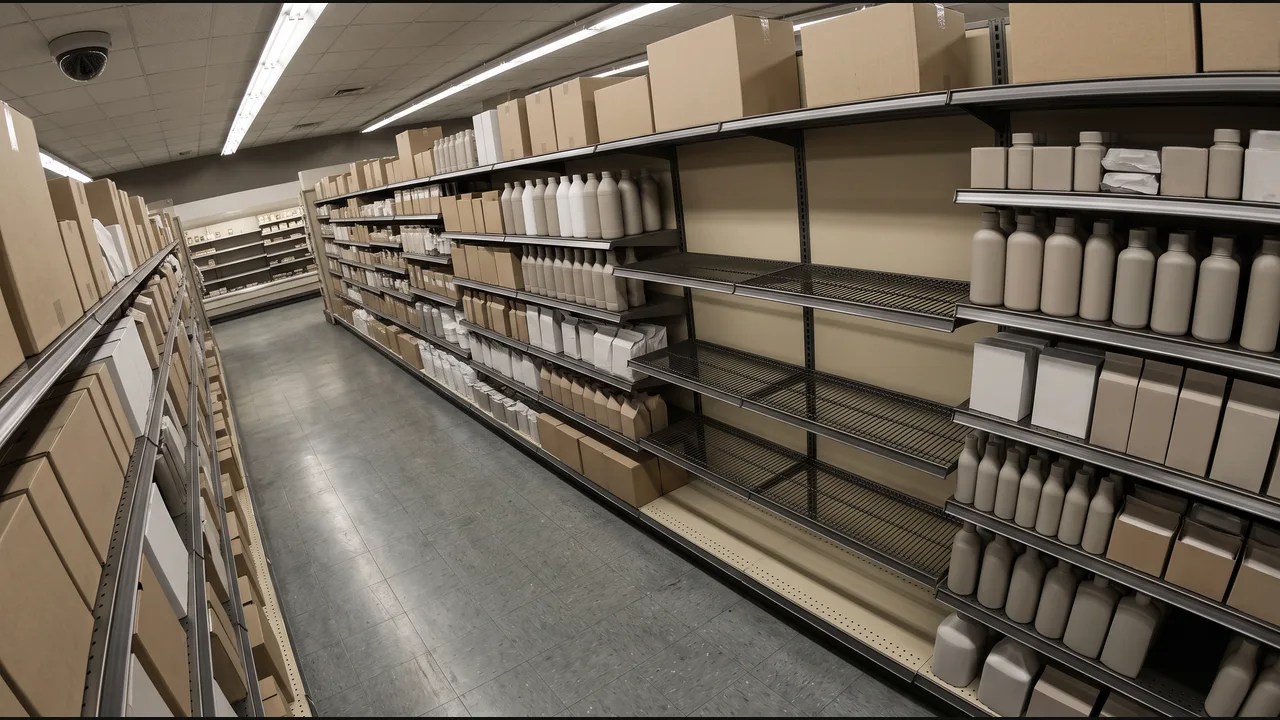
Add a replenishment task to the store task list.
Hospitality
When the reception queue reaches the agreed length, request another team member.
View the example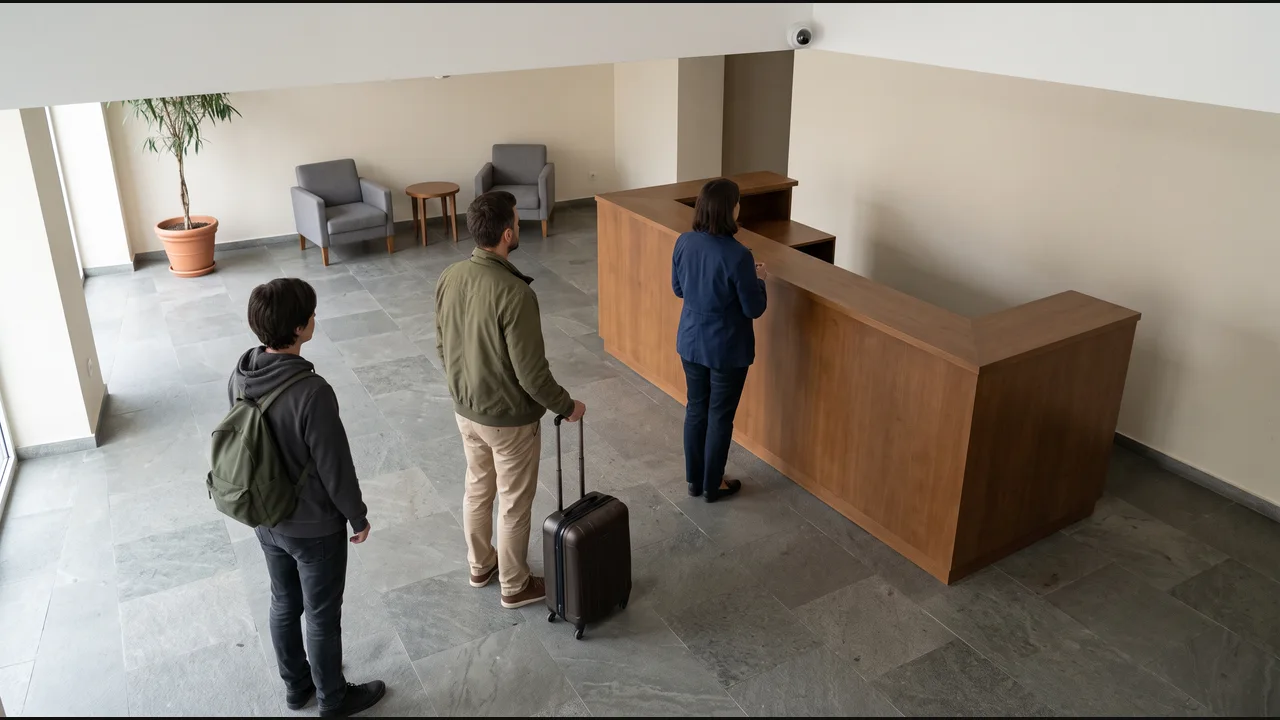
Create a reception-support task in the team system.