Vision · Camera context
Checkout camera with an unobstructed view of scanning and bagging.
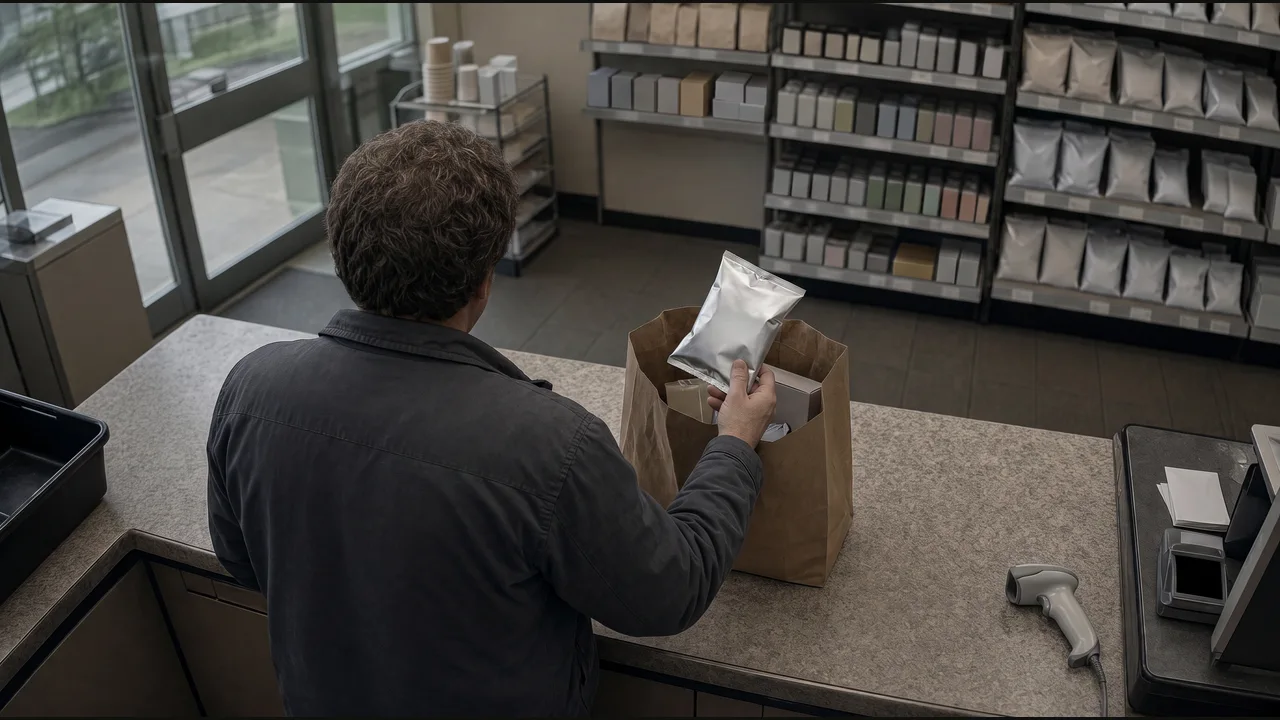
Checkout camera with an unobstructed view of scanning and bagging.
A visible item enters the bag without a corresponding scan in the POS system.
Bagging observation, transaction reference, timestamp, and linked clip.
Create an exception case and attach the event reference.
Use a checkout view that shows both scanning and bagging. An item entering a bag is an exception only when the transaction has no corresponding scan; an item scanned earlier should not be flagged again.
The example contains one unscanned item. A threshold of one creates a match. Raising the threshold above one follows the no-action branch.
Keep the bagging observation, transaction reference, timestamp, and clip together for review of the specific mismatch. Compare both camera views in the walkthrough, then choose an exception case in the Operations desk or an entry in the Shift journal. Route the result to the location team responsible for follow-up.