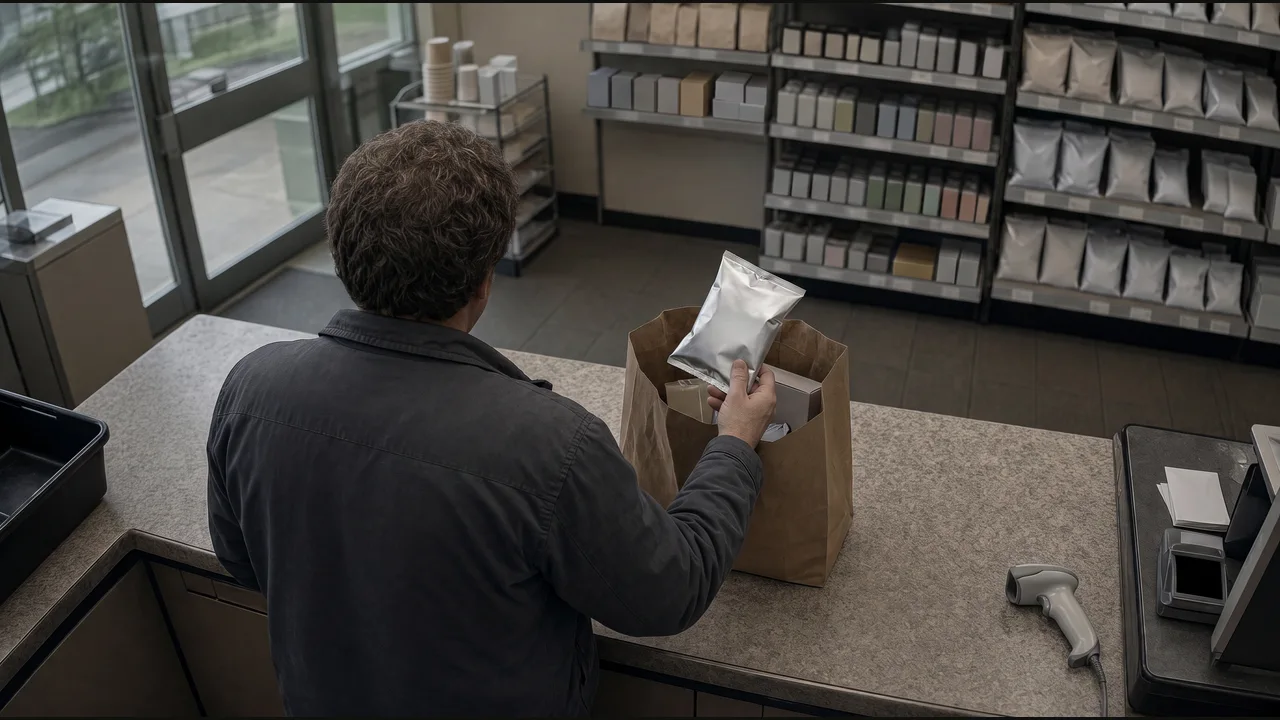
What to check
Check for missing scans and empty shelves. Send the details to the store team.
- 01
Choose the checkout or shelf section to monitor.
- 02
Confirm the missing scan or empty shelf and retain its reference and footage.
- 03
Send the case to loss prevention or the restocking task to the floor team.
See where it fits.
Convenience retail & fuel
When an item is bagged without a scan, save the clip and open a loss-prevention case.
View the exampleCreate an exception case and attach the event reference.
Retail & grocery
When this shelf section is empty, create a replenishment task for the floor team.
View the example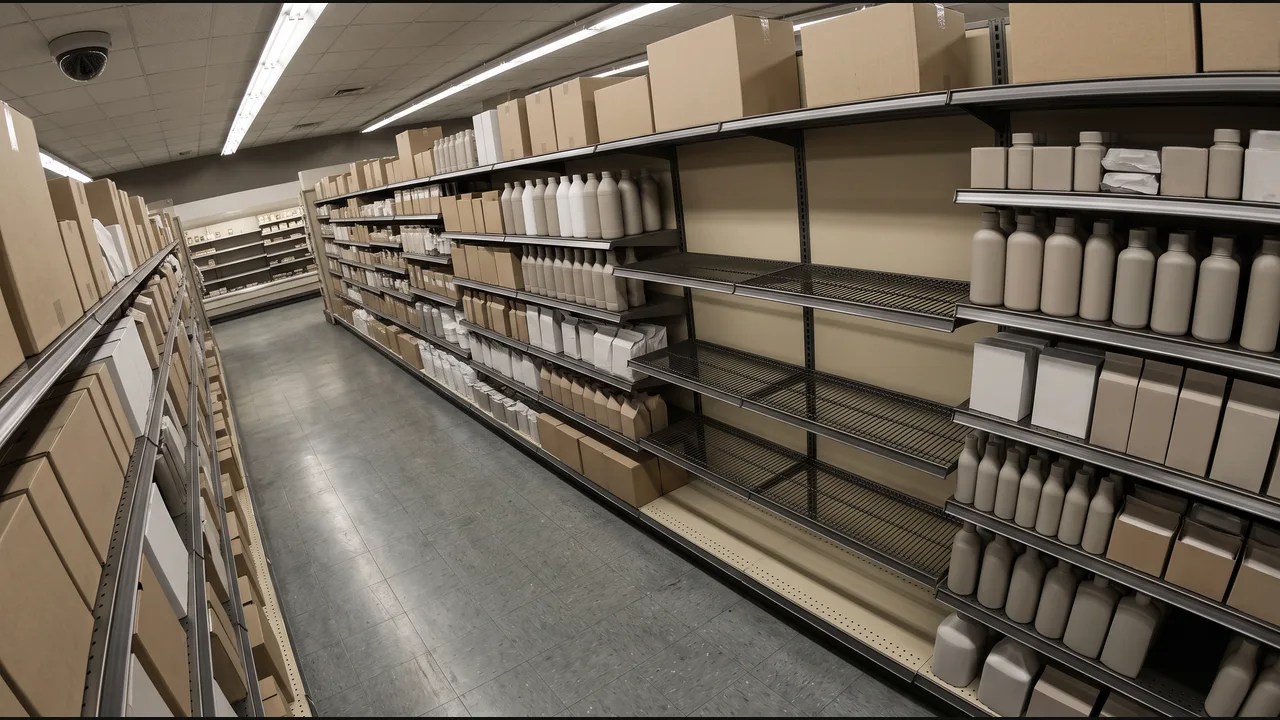
Add a replenishment task to the store task list.