Vision
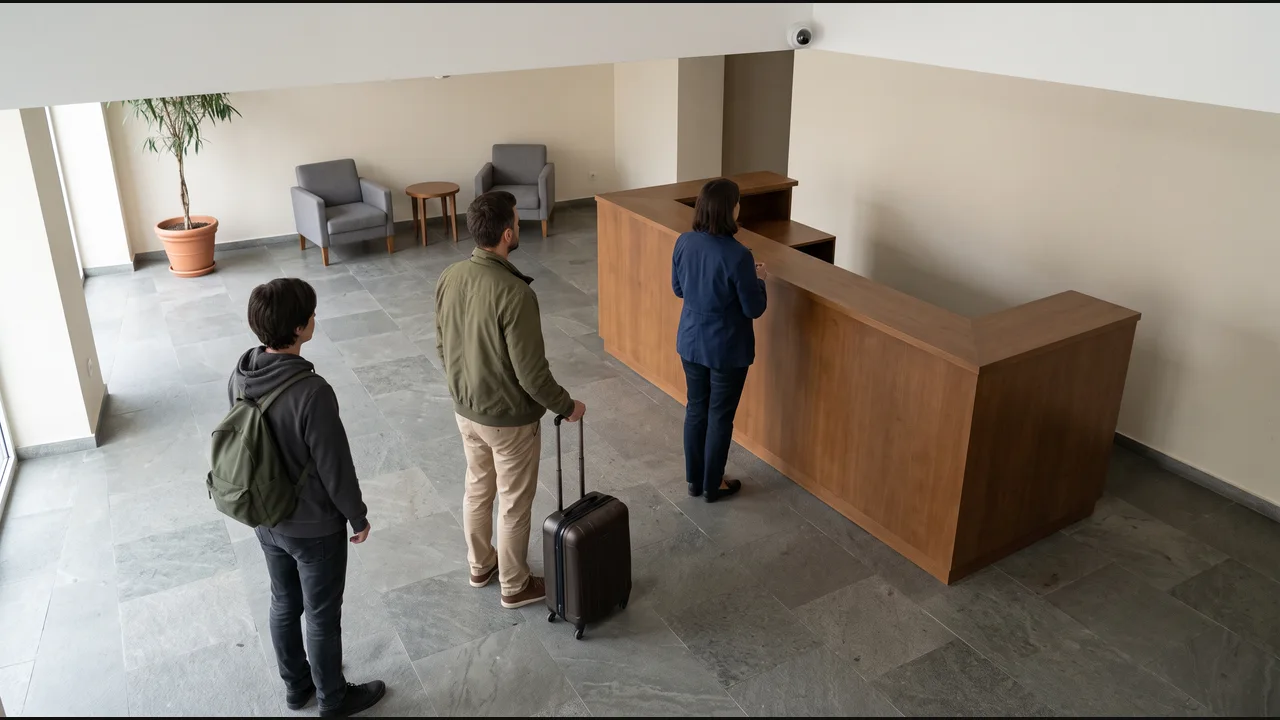
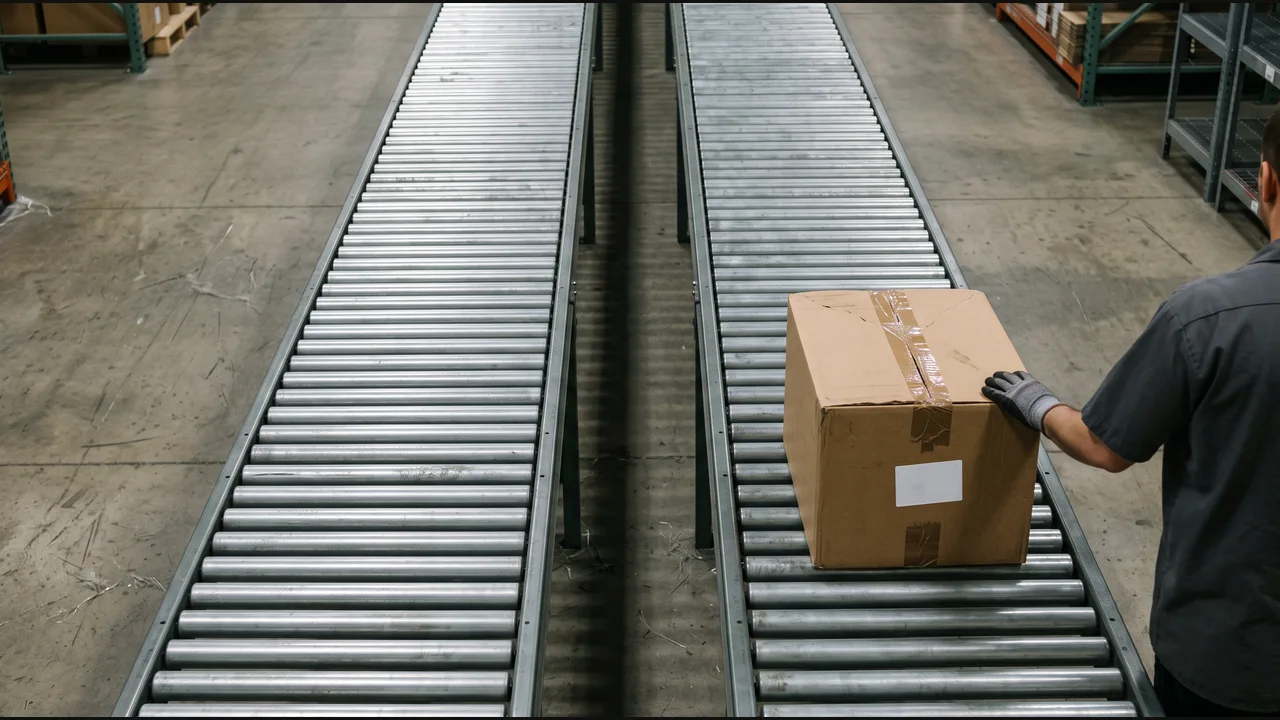
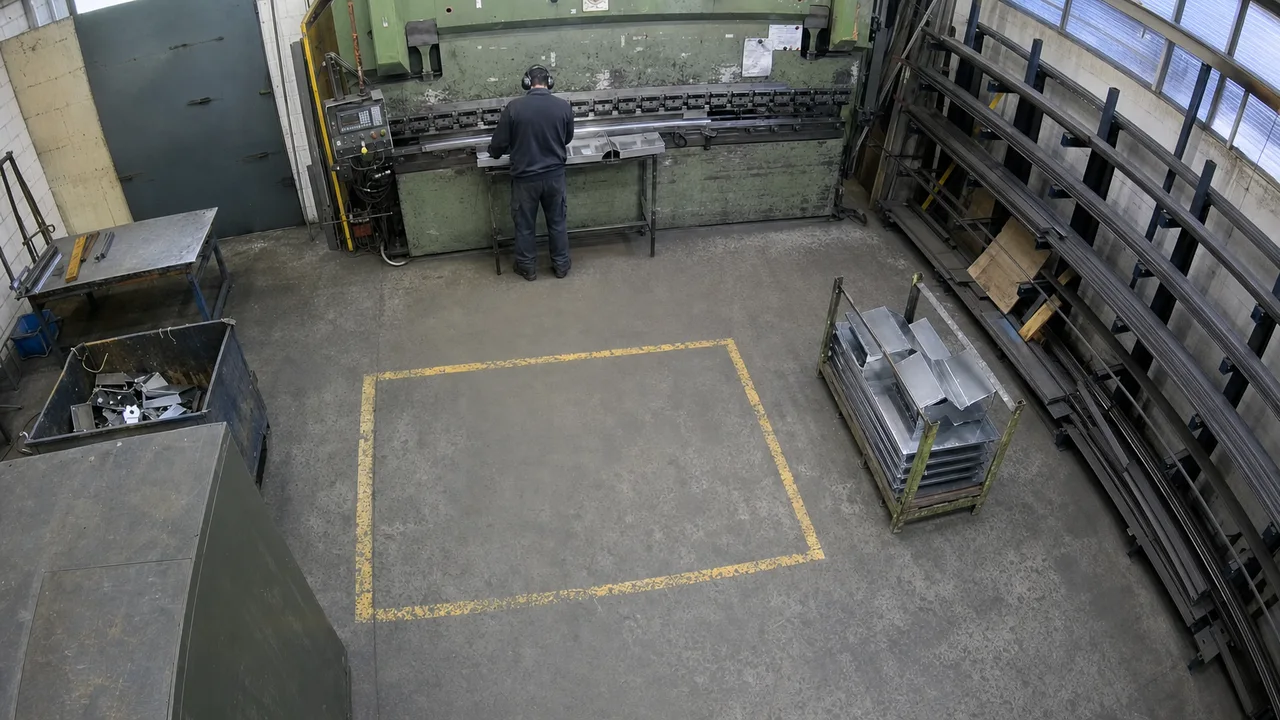
Observe the physical world through your cameras and capture relevant evidence.
Observe the physical world through your cameras and capture relevant evidence.

Define the task, conditions, and next step in an editable workflow.

Create tasks, update records, and send notifications in your business software.
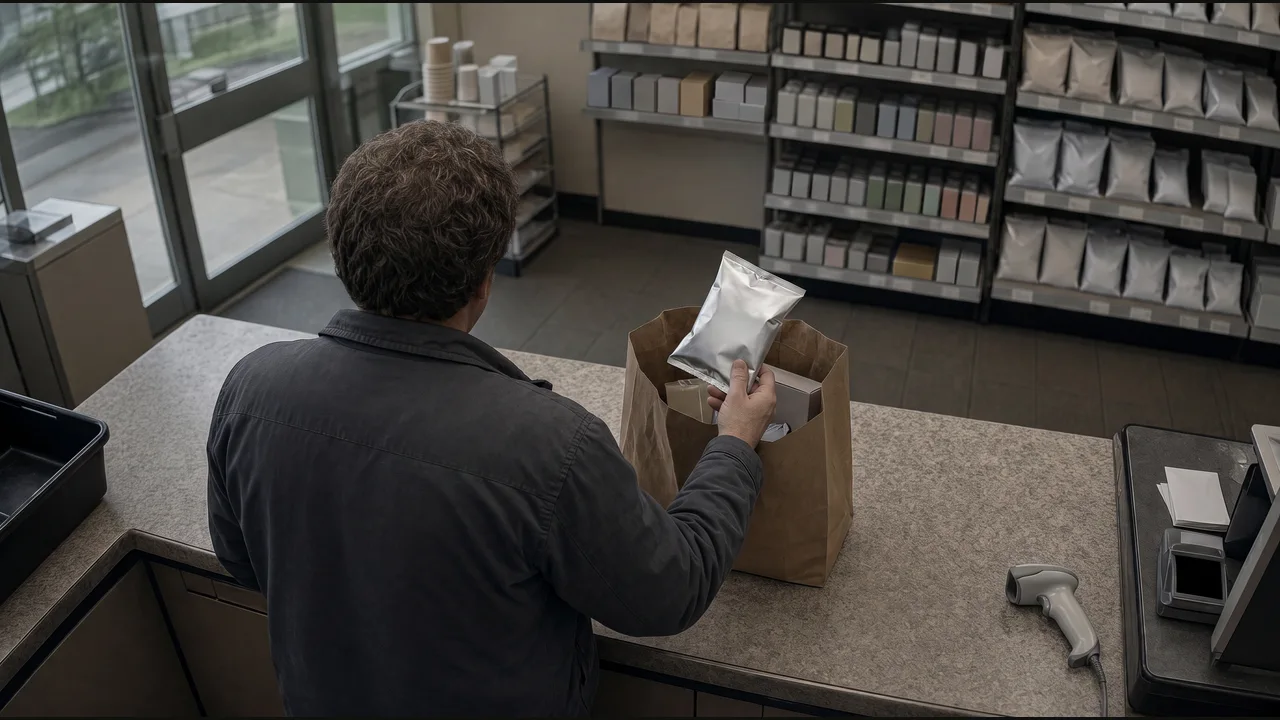
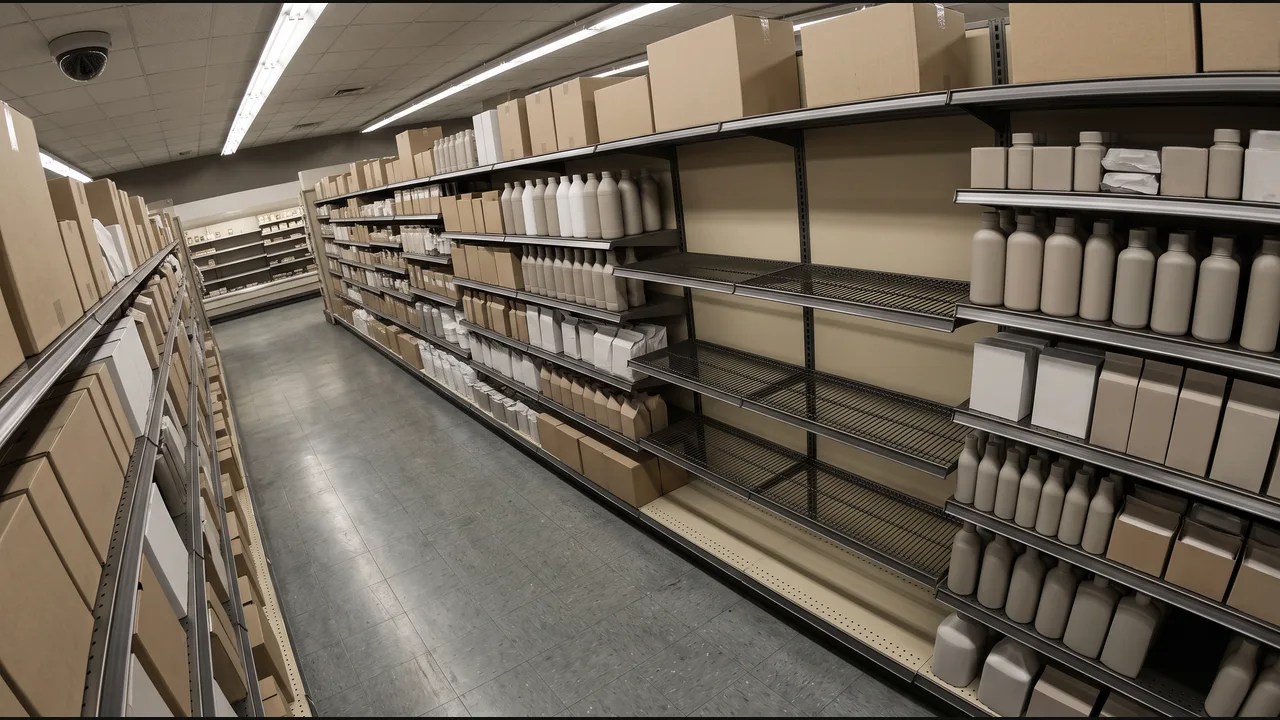
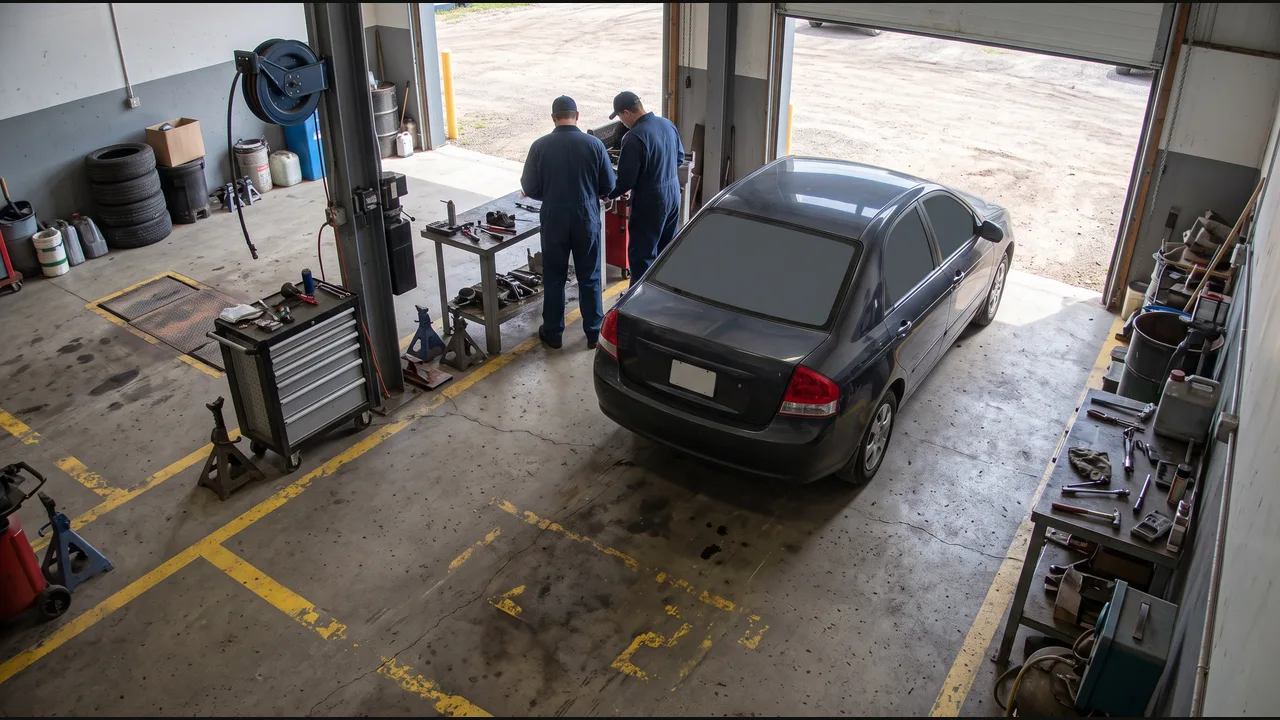
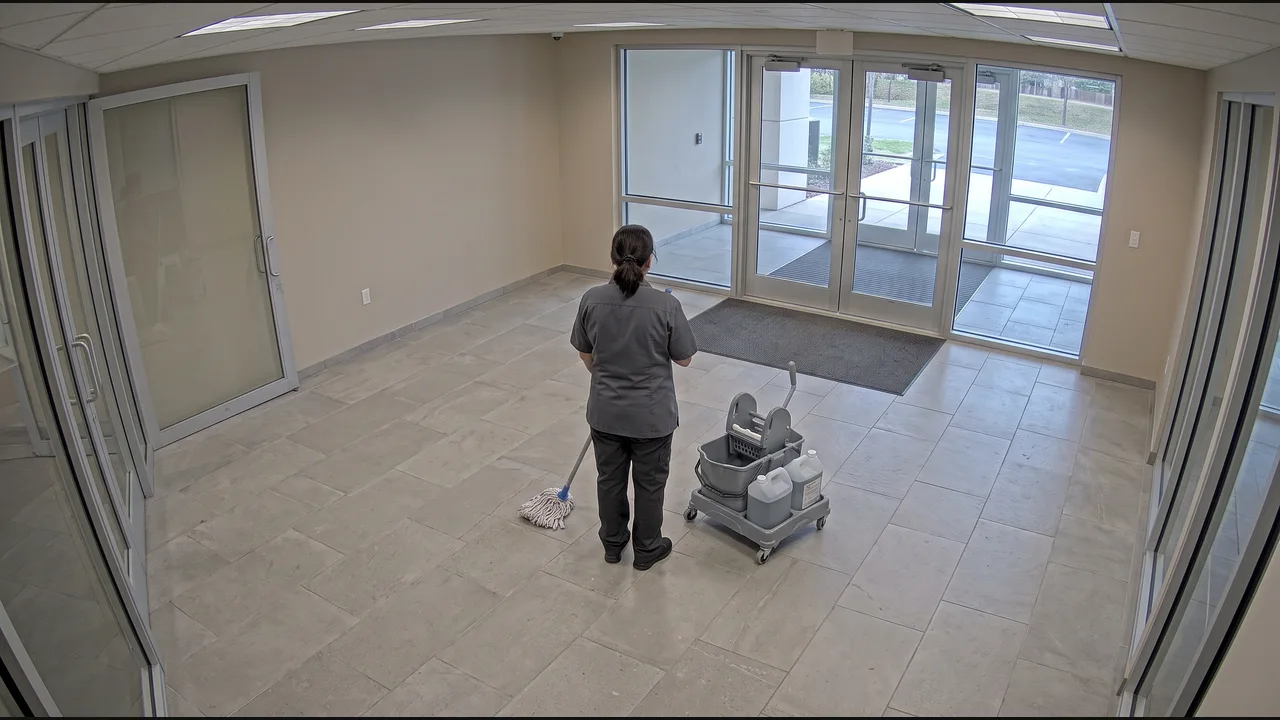
Choose a camera example, define its conditions, and build the workflow. Follow it from the first observation to an action in software.
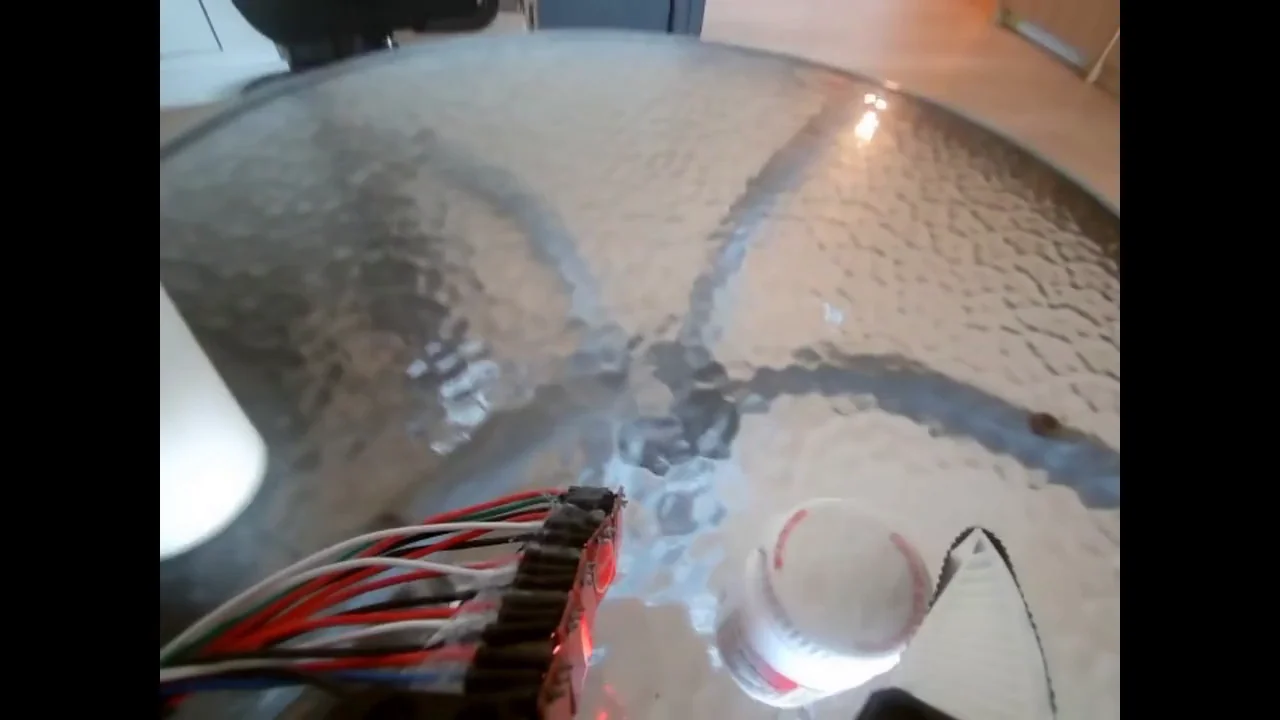
Wrist camera · Recorded clip
The wrist-camera recording shows the gripper carrying the bottle to the cup and releasing it inside.
From empty shelves to completed cleaning rounds, choose a task your team recognizes.
Explore all industries