Vision · Camera context
Lobby camera covering the agreed service area.
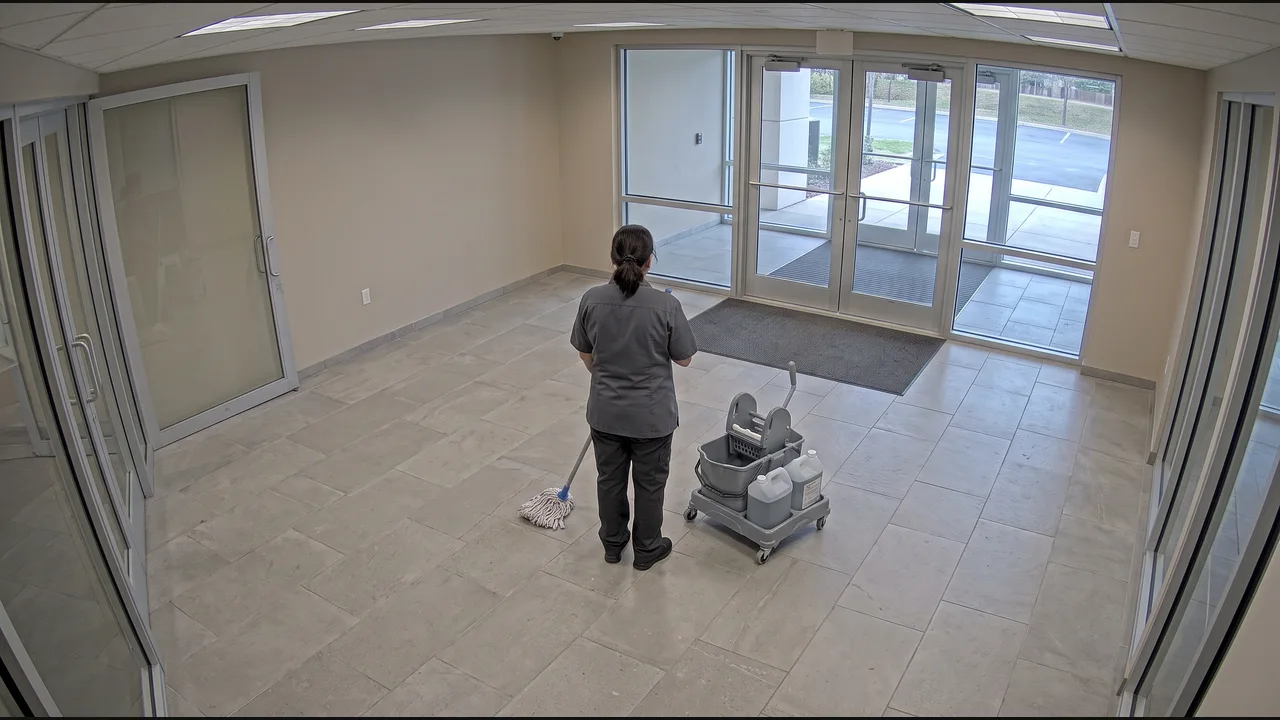
Lobby camera covering the agreed service area.
The cleaning round finishes and the equipment leaves the area.
Service area, schedule reference, completion time, and clip.
Update the work order with supporting evidence.
Use the agreed lobby area and scheduled cleaning window. The visible completion condition is that the cleaning round finishes and the equipment leaves the area.
The example contains one completed round. A threshold of one matches it; a higher count produces no work-order update.
Keep the service area, schedule reference, completion time, and clip together. Choose the work-order update or a draft service summary in the Property journal. Its receipt confirms the software step and links back to the observed round.