Confirm that the software recorded the update.
- 01
Gather the task description, time, location, and supporting footage.
- 02
Fill in the required fields in the journal, record, or work order.
- 03
Retain the returned record reference; flag failed updates for follow-up.
See where it fits.
Logistics & warehousing
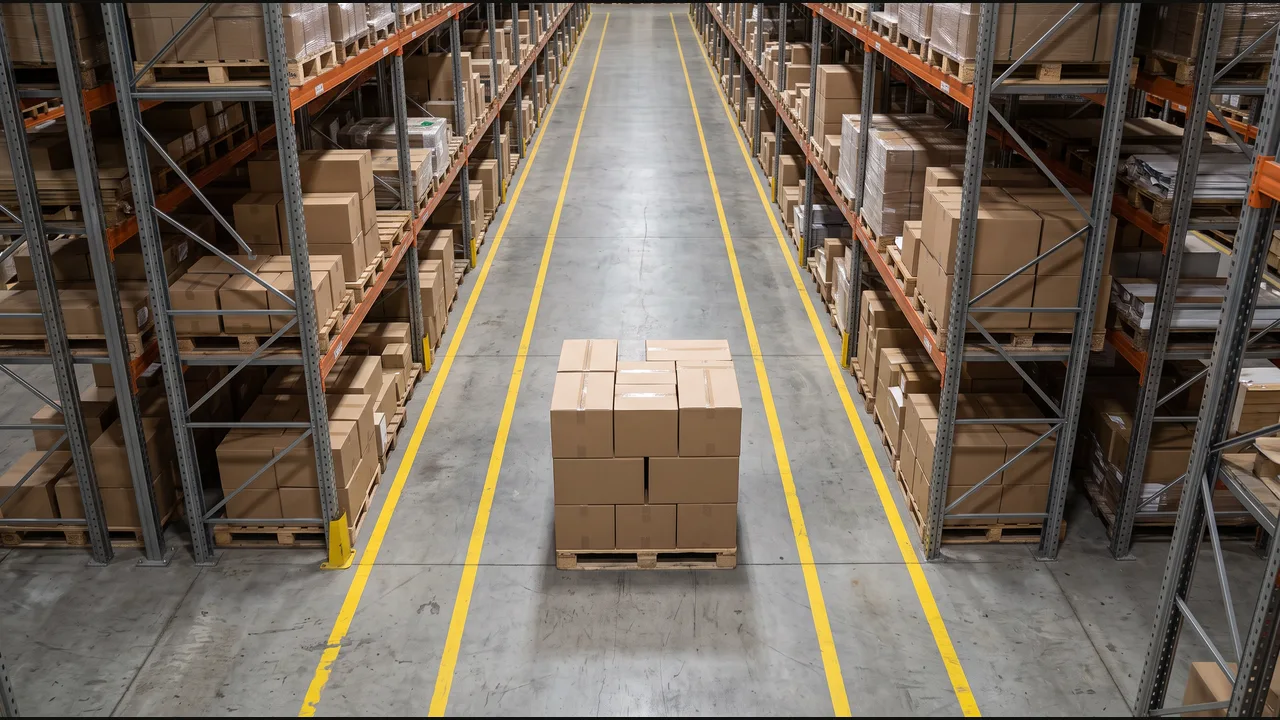
Track the location of items, boxes, and consignments in the inventory management system. Whenever an item changes location, create a new inventory entry with its reference, observed area, timestamp, and camera evidence. Do the same for new deliveries.
View the exampleWhenever the item changes location, create a new inventory entry. Do the same for new deliveries.
Home care
Document all tasks performed by the caretaker during each visit and prepare Medicaid visit documentation in the care journal with timestamps and supporting evidence.
View the example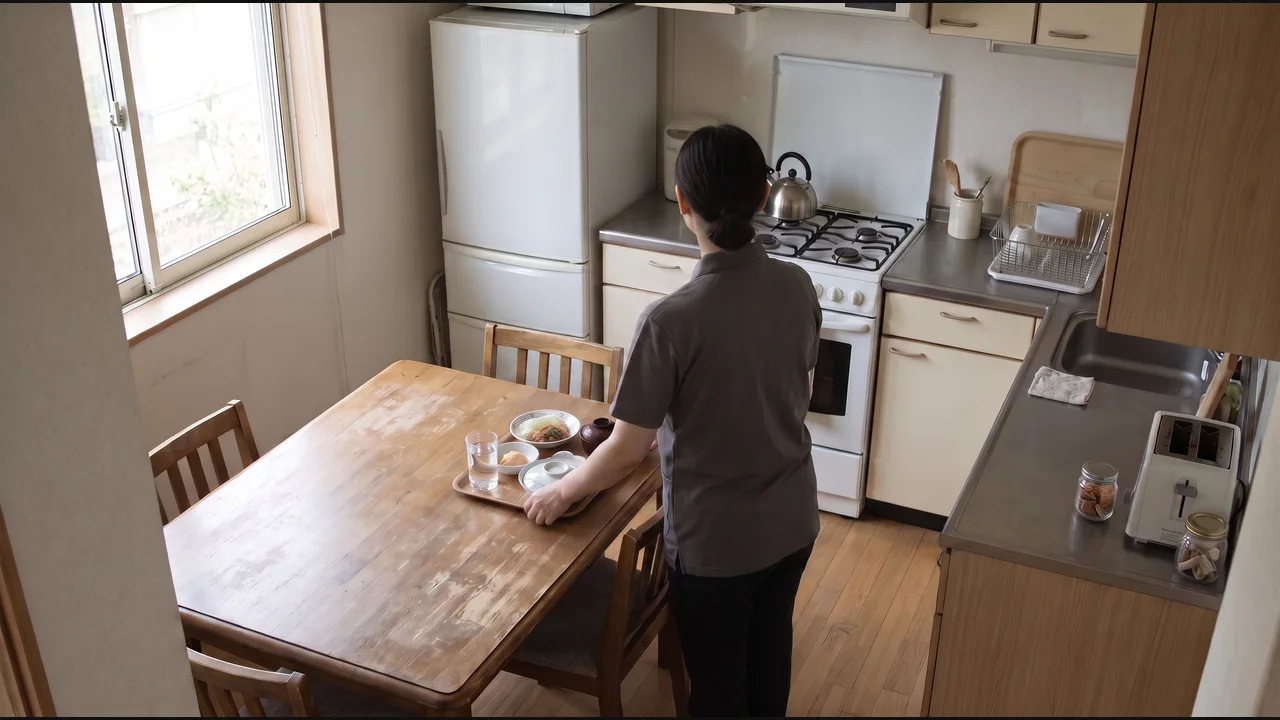
Draft a visit entry covering the documented tasks for care-team review.
Fitness & recreation
Track this member’s workout, compare it with their assigned exercises, sets, and reps, and update their session record with anything missed or incomplete.
View the example
Update the member’s workout record and flag missed, incomplete, or unconfirmed exercises for trainer review.
Convenience retail & fuel
When an item is bagged without a scan, save the clip and open a loss-prevention case.
View the example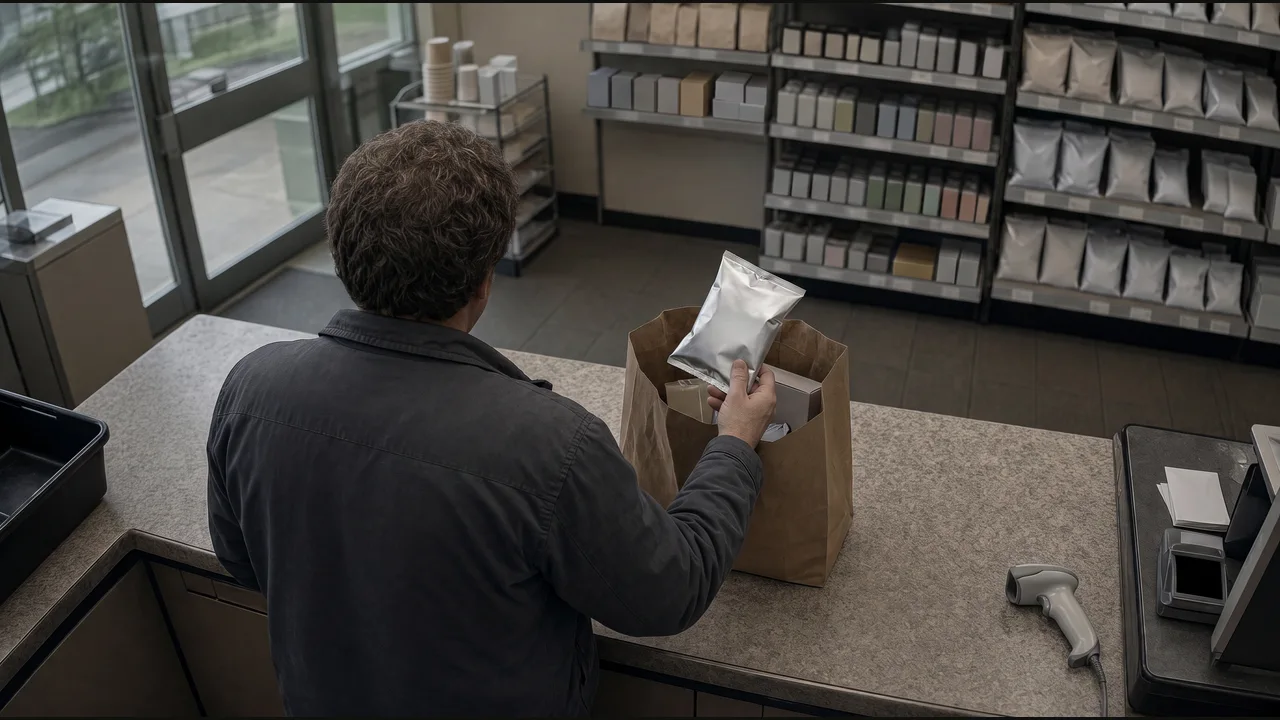
Create an exception case and attach the event reference.
Automotive service
When the serviced vehicle leaves the bay, prepare the completion entry for the job.
View the example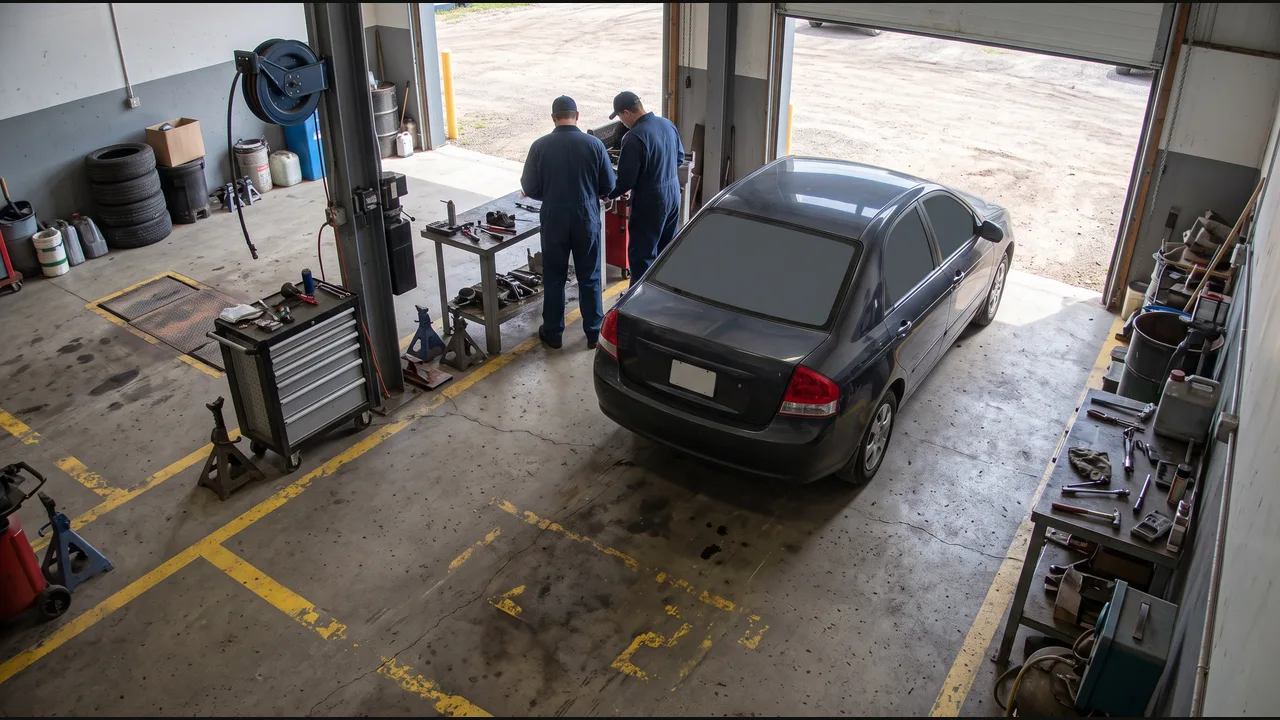
Draft a job-completion entry for the service advisor.
Property & facilities
Document the lobby cleaning round and update the scheduled service work order.
View the example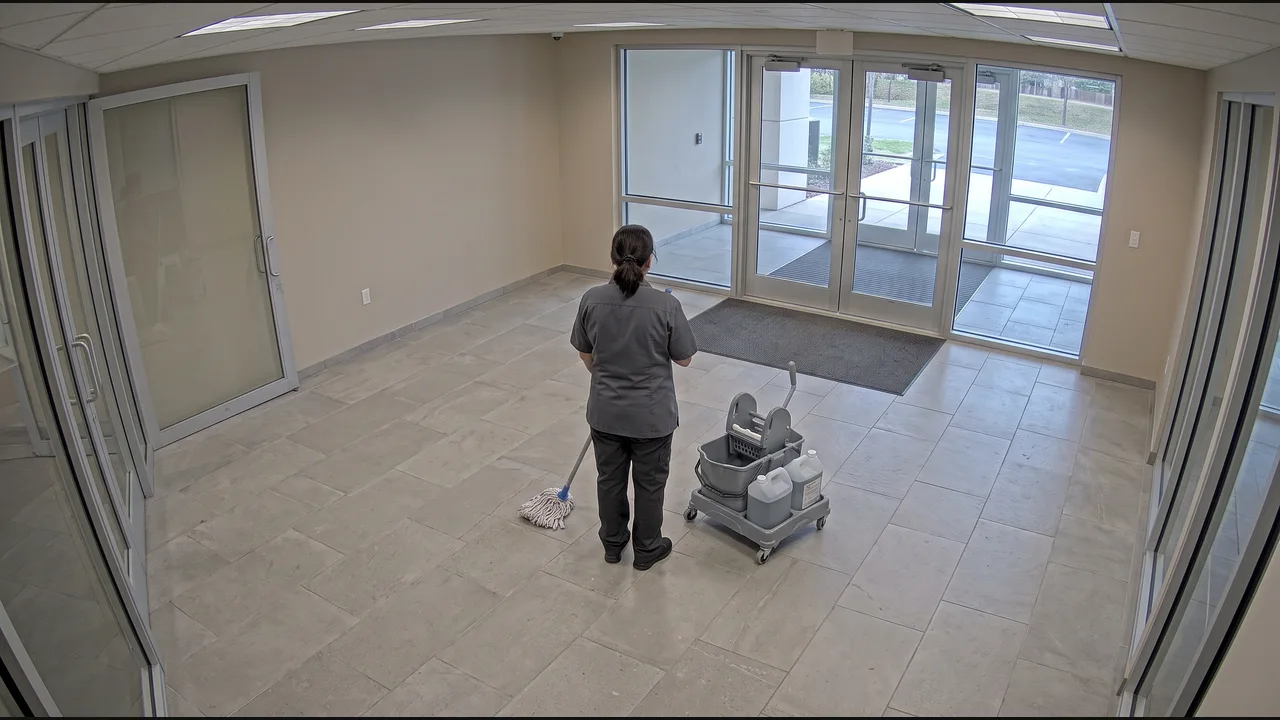
Update the work order with supporting evidence.
Hospitality
When the reception queue reaches the agreed length, request another team member.
View the example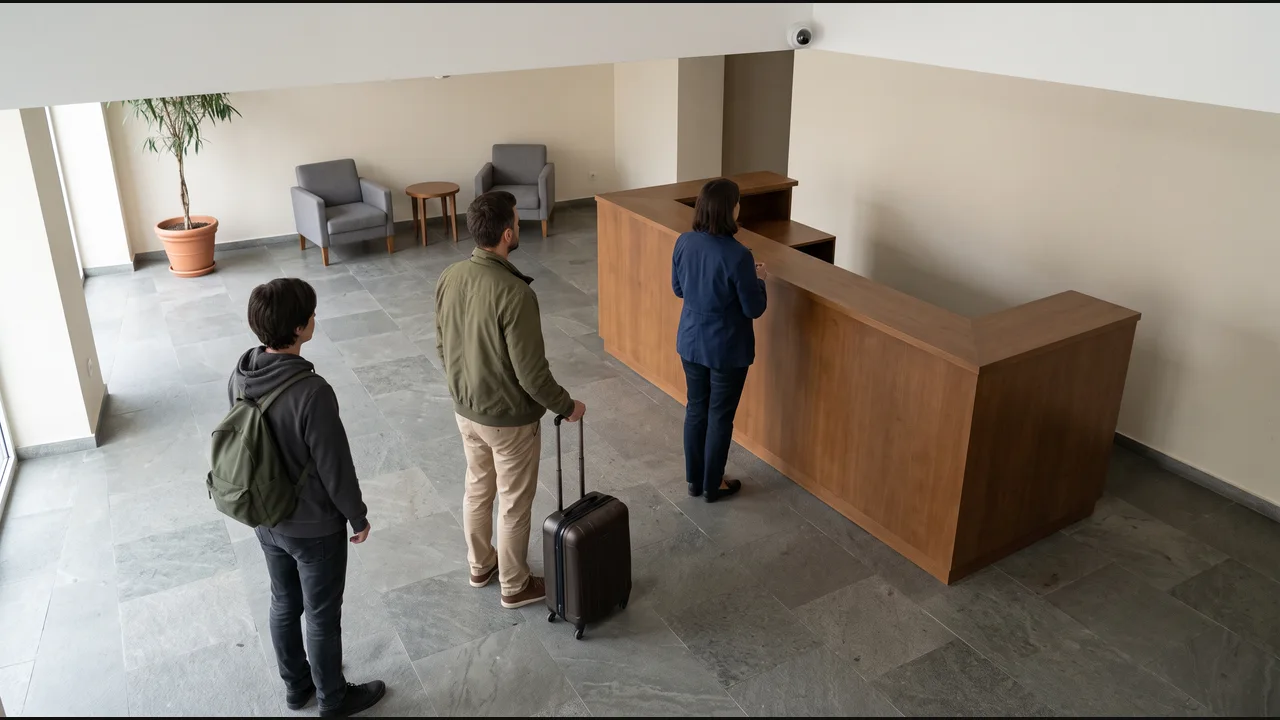
Create a reception-support task in the team system.