Vision · Camera context
Existing warehouse cameras covering the configured item or consignment area.
Existing warehouse cameras covering the configured item or consignment area.
Compare the item's observed location with its last inventory record, and check new deliveries against their receiving references.
Item or consignment reference, observed location, timestamp, and linked clip.
Whenever the item changes location, create a new inventory entry. Do the same for new deliveries.
Associate each item, box, or consignment reference with the configured warehouse camera areas and inventory management system. Keep its last recorded location available for comparison, and link receiving records to new deliveries.
After confirming a location change, create a new inventory entry with the item reference, previous and observed locations, timestamp, and camera evidence. Do the same for a confirmed new delivery, identifying it as a delivery entry. The interactive sample demonstrates the location-change branch.
Repeated observations of the same item in the same location do not create new entries. Confirm a new delivery against its receiving reference rather than treating every newly visible item as a delivery. Route uncertain identity, an obscured location, or unconfirmed delivery status to review.
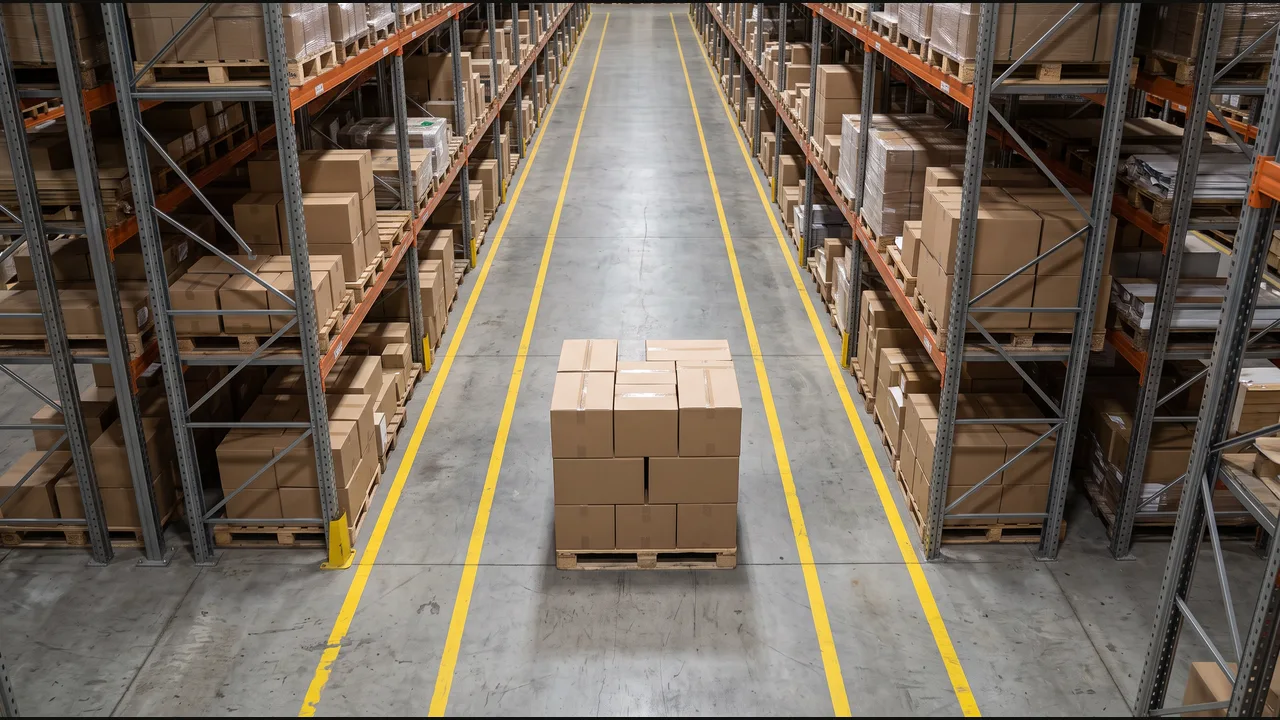
Select the marked pedestrian walkway and exclude adjacent storage areas. A person crossing the aisle briefly is different from a pallet remaining in the route.
The pallet stays in the walkway throughout the eight-second example. The default duration is three seconds; thresholds up to eight seconds match. A threshold above eight follows the no-action branch.
Keep the walkway reference, observed duration, and clip with the event. Create a safety task in Floor operations or add an entry to the Safety journal. The receipt confirms that software step, with the evidence available for supervisor review.
In the interactive example on this page, choose “Logistics & warehousing: Flag blocked warehouse walkways.” under “Explore a scenario” to compare both camera views, duration settings, and software destinations.
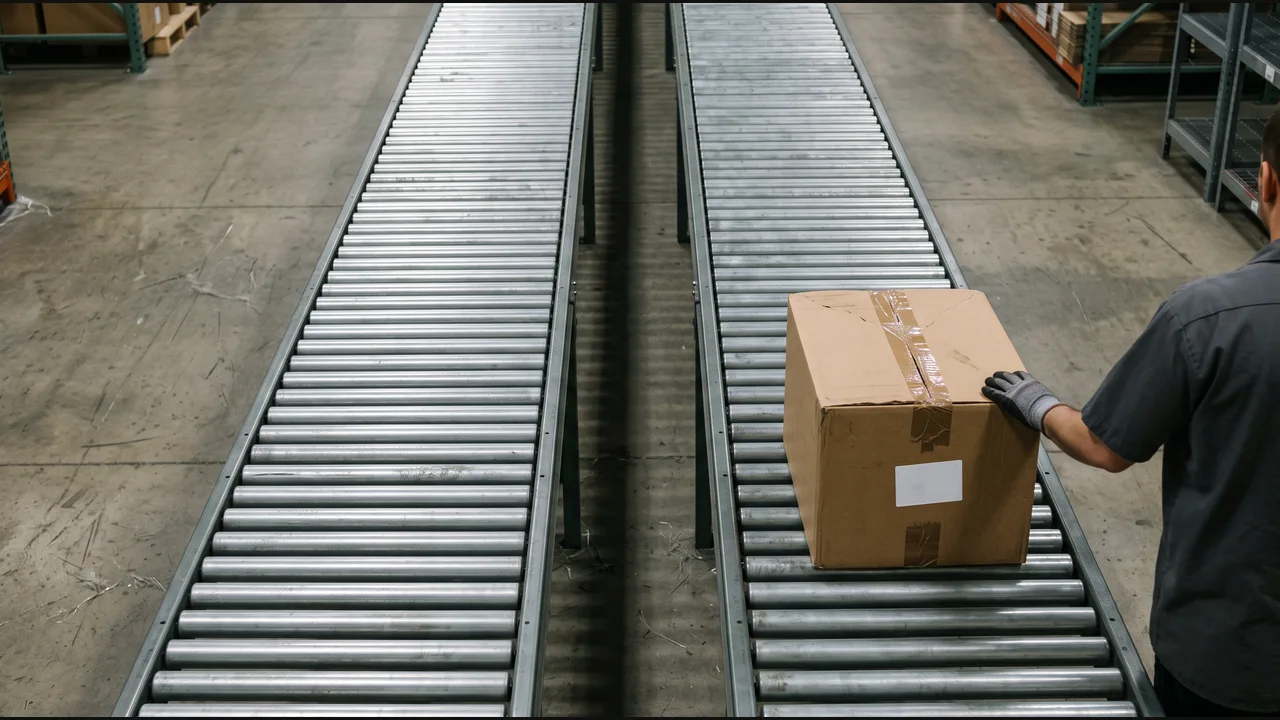
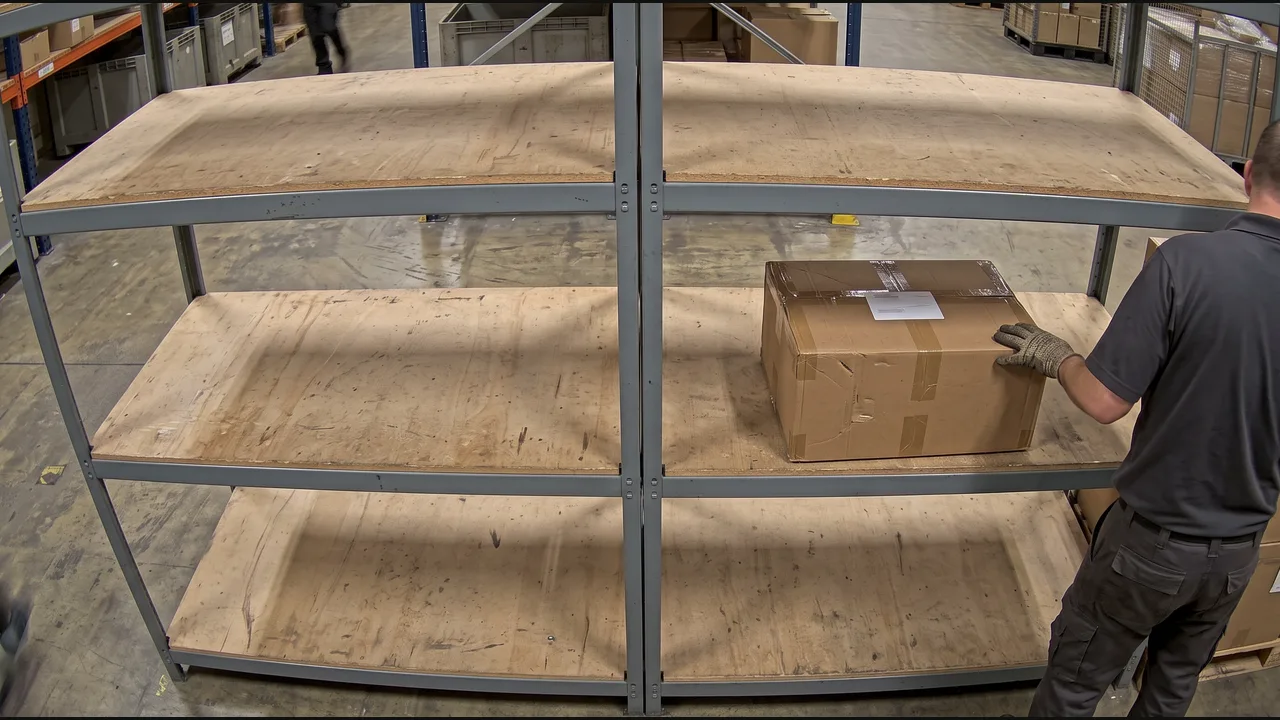
Connect package identity and assigned destination with the camera observation, then route misplaced or misrouted packages to the team that can correct them.
“When a package is placed in the wrong storage location or outbound lane, notify the operations team and create a correction task with its expected destination, observed location, and camera evidence.”
Compare the observed shelf or staging area with the package’s assigned location.
Check that the identified package enters the lane assigned to its destination.
Start with a package identifier from a barcode scan or readable label. Match it to the assigned shelf, staging area, or outbound destination in the warehouse or shipping record, and define the corresponding camera regions. Keep the observed location and expected destination attached to the same package reference.
The outbound example assigns PKG-DEMO to Lane A while the camera shows it on Lane B. The storage example leaves the package on Shelf B while its assignment remains Shelf A. Each mismatch creates a correction task identifying both locations for the operations team.
A package entering its assigned lane or shelf needs no correction. Wait until placement is clear: briefly passing through a lane on the way to another location is not completed placement. Recheck the current assignment when a package is deliberately rerouted.
If a label is unreadable, a package leaves camera view, or its assignment is unavailable, preserve the observation for review. Do not classify it as misrouted solely from its position.
Include the package reference, expected destination, observed location, observation time, linked clip, and assignment reference. Notify the responsible team through the configured operations system and retain the returned task reference. The team closes the task after confirming the physical correction; creating it does not move the package.