Specify what the camera must see to confirm each step.
- 01
Choose the procedure and the visible signs that its step is complete.
- 02
Check the activity in the agreed camera area and time window.
- 03
Record completion, alert the responsible person to a missed step, or request review if the view is unclear.
See where it fits.
Manufacturing
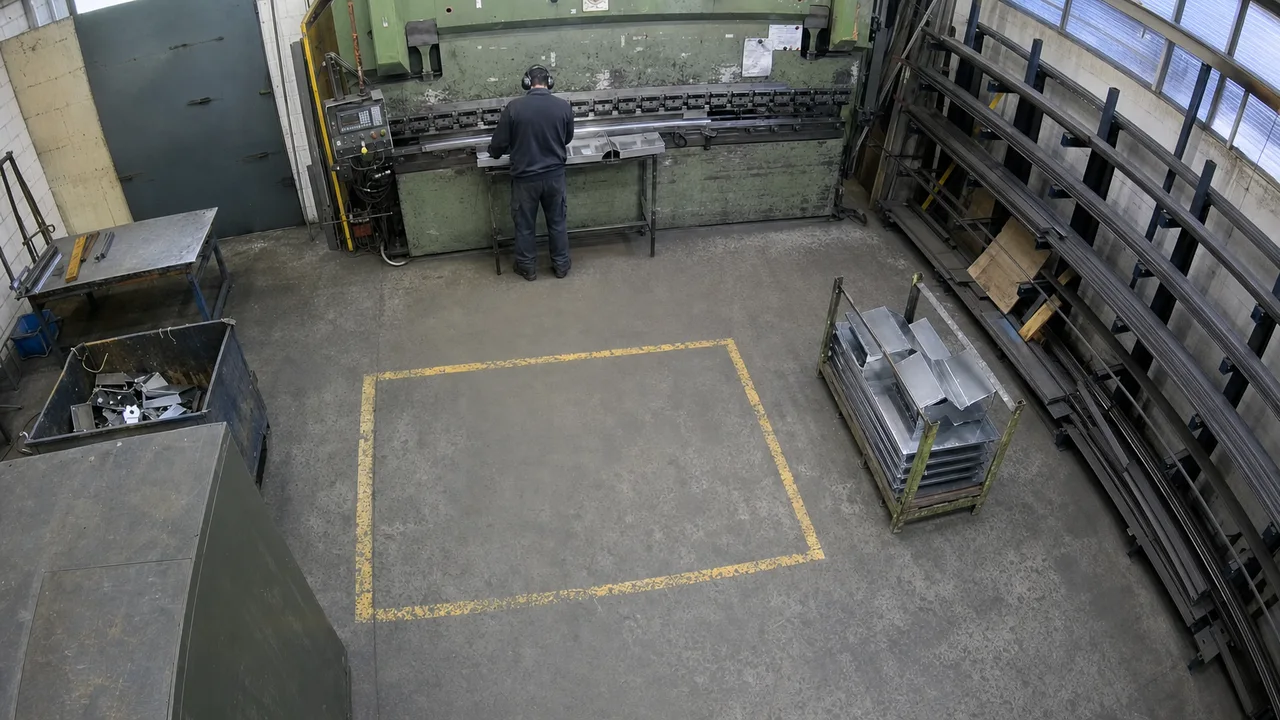
Check the defined SOP step from the company PDF at Part 4120's staging position, Line 1 · Bay A. If the SOP is not followed, alert the operator by sending them a text.
View the exampleText the operator when the selected SOP step is not followed.
Home care
Document all tasks performed by the caretaker during each visit and prepare Medicaid visit documentation in the care journal with timestamps and supporting evidence.
View the example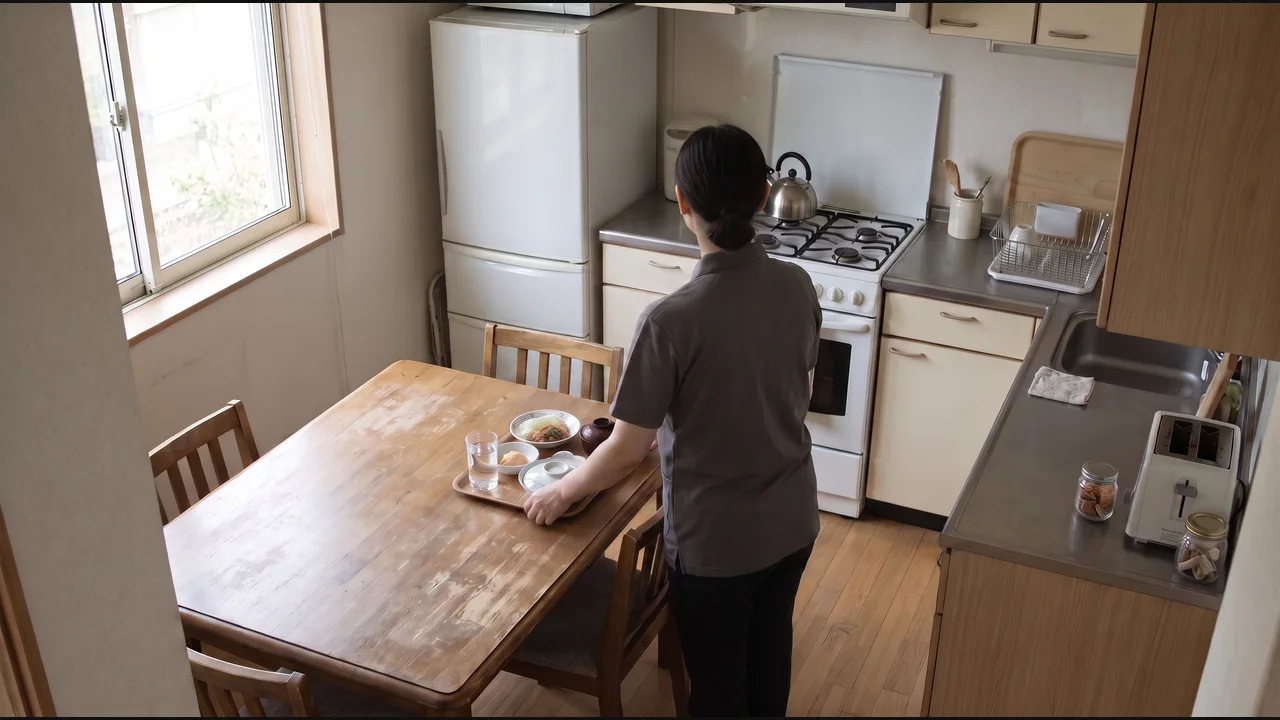
Draft a visit entry covering the documented tasks for care-team review.
Fitness & recreation
Track this member’s workout, compare it with their assigned exercises, sets, and reps, and update their session record with anything missed or incomplete.
View the example
Update the member’s workout record and flag missed, incomplete, or unconfirmed exercises for trainer review.
Restaurants
When a table is cleaned and ready for guests, notify the host and attach the camera evidence.
View the example
Notify the host that the table is ready, with the camera evidence attached.
Automotive service
When the serviced vehicle leaves the bay, prepare the completion entry for the job.
View the example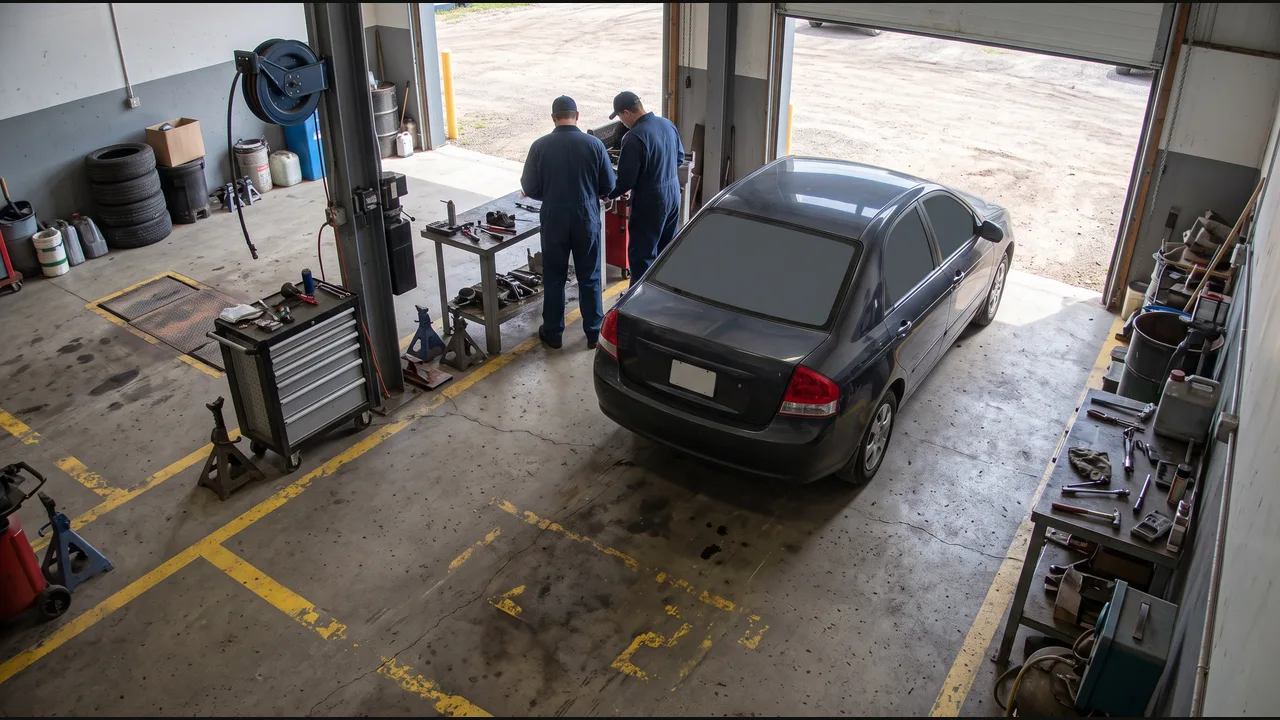
Draft a job-completion entry for the service advisor.
Property & facilities
Document the lobby cleaning round and update the scheduled service work order.
View the example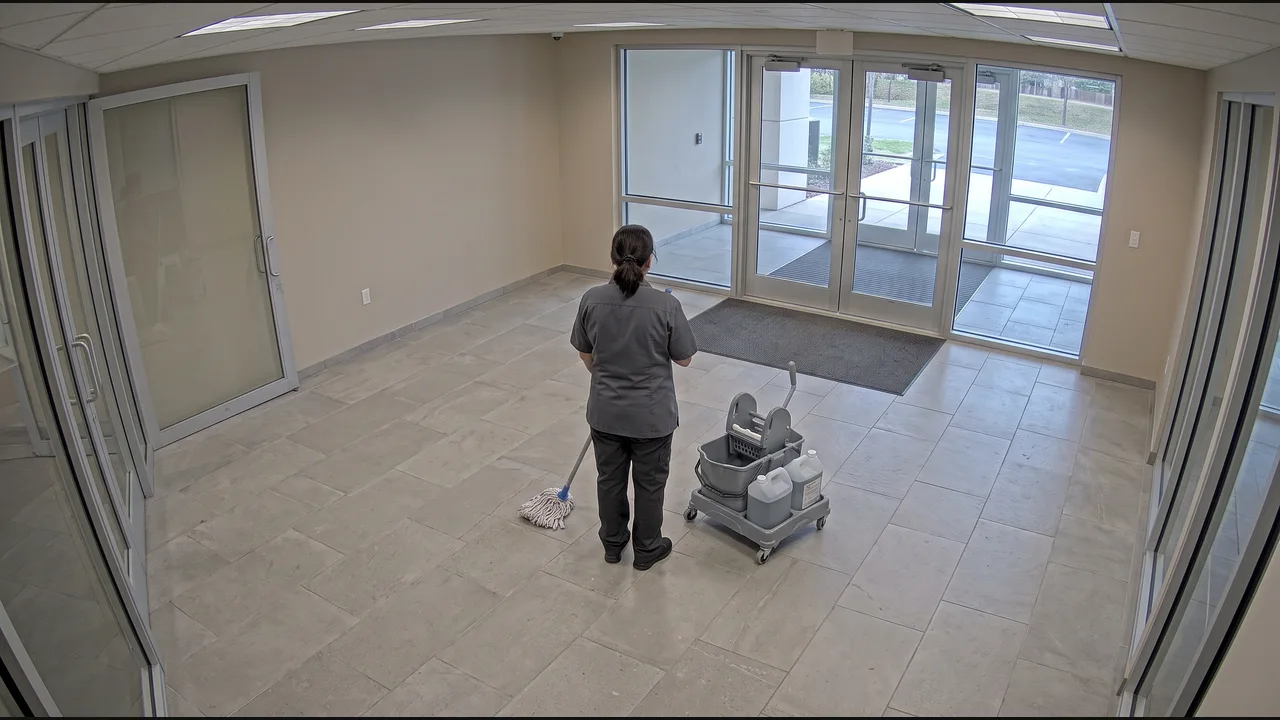
Update the work order with supporting evidence.