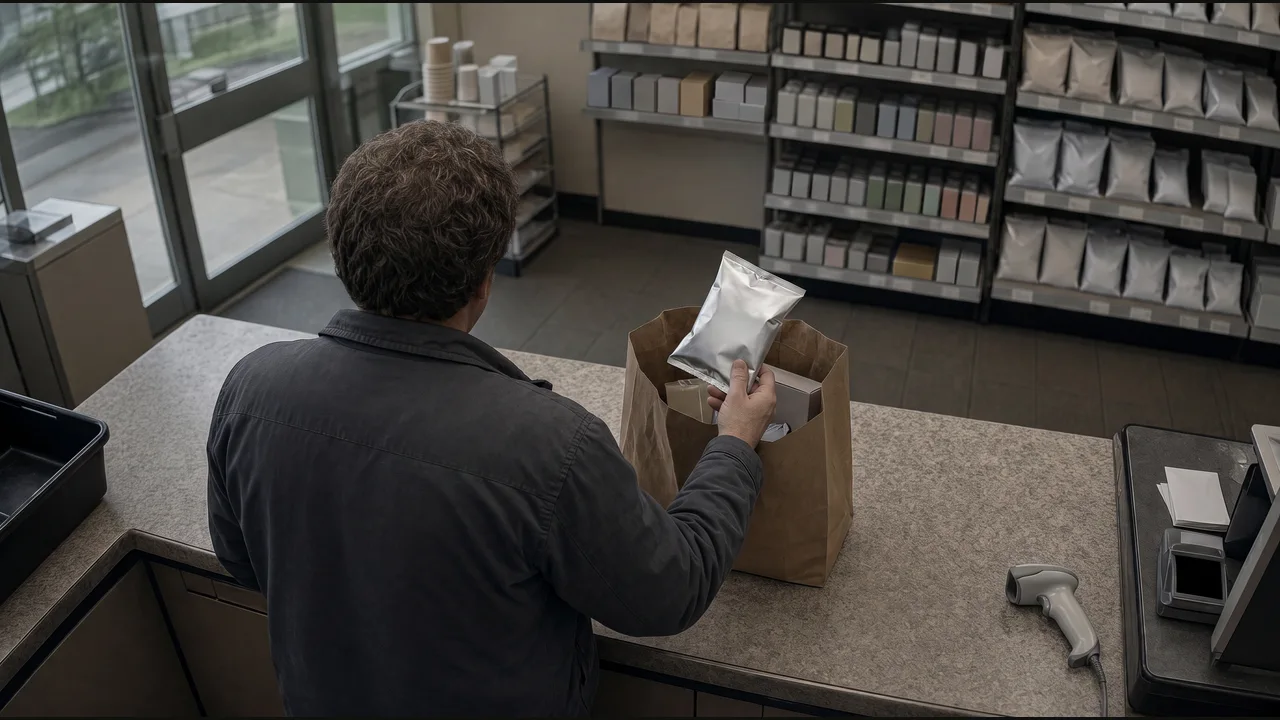
What to check
Check the transaction before flagging an unscanned item.
- 01
Use a camera view that shows scanning and bagging.
- 02
Check whether the bagged item has a matching POS scan, including an earlier scan.
- 03
Open a case with the transaction and clip for the store team to review.
See where it fits.
Convenience retail & fuel
When an item is bagged without a scan, save the clip and open a loss-prevention case.
View the exampleCreate an exception case and attach the event reference.