Action / Computer use

From camera event to software action.

A camera event can become an entry in the systems your team already runs. Computer use connects an observation to the next operational step.

From observation to action in three steps.

01

Give the action its context

Pass the event reference, timestamp, description, and evidence into the destination task. Keep the record attached to the work.

02

Work inside the destination

Enter a journal item, prepare a report, or update a work order through the application interface. Define the fields and review points for each workflow.

03

Bring back a receipt

Return the destination reference and action result. A receipt confirms the software step, such as creating a task. If an action cannot complete, preserve the event for follow-up.

Inspect the action and its receipt.

Interactive example

From a prompt to a live workflow.

Send this example to see how OpenVector builds a workflow.

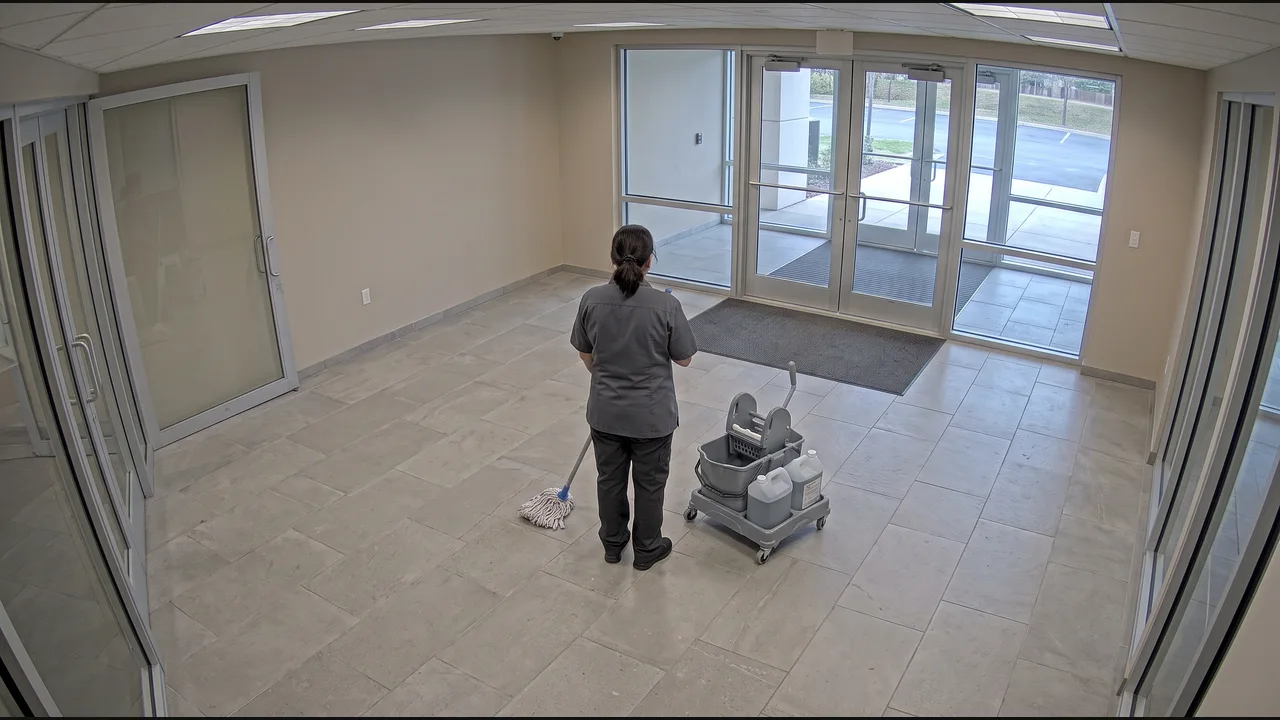
Before updating a work order.

Define the activity

Match each event to the scheduled service window.

Check the observation

Document visible completion.

Review the follow-up

Keep the work order and the observation connected.

Put your next workflow in motion.